
USSD Code Not Working? Fix 'Invalid MMI Code' on *312# and *323#
"Connection problem or invalid MMI code" usually means the wrong SIM or an old code. Here's how to spot your cause, from signal to NIN barring, and fix it in minutes.
A USSD code not working, with "Connection problem or invalid MMI code" on the screen, usually means you sent it from the wrong SIM. The other common cause is a code that's mistyped or out of date. Pick the right SIM, dial a current code, and it normally goes through.
Run one quick test first. Dial *#06#. Your IMEI should pop up, because that code runs inside the phone and never has to reach the network. Now try *310#, the airtime balance code. If the IMEI shows but *310# fails, your request isn't getting to the network, so look at the signal, the SIM and the network before you blame the handset. The causes below run from most common to least.
USSD code not working on full bars? It may be mistyped or retired
Suspect this when one code fails every time on full signal, yet *310# opens fine. Retype it slowly. No spaces. It must start with * and end with #.
Then compare it with the NCC harmonised short codes, which work the same way on every network. *310# shows your airtime balance and *323# shows your data. To buy data, dial *312#; to share airtime or data, use *321#. Dial *996# to see whether your NIN is linked to the SIM in your hand.
Each network's old codes ran alongside these until May 2023. That WhatsApp forward from your aunty could easily be older, so its code may open nothing at all. Codes current as at 20 October 2026. For the full sets, keep the current MTN USSD codes, the Airtel USSD codes that still work and the data balance codes for every network close by.
You dialled from the wrong SIM slot
Dual-SIM phones cause this one most. Either the error bounces straight back, or a menu opens and turns out to belong to your other network. A USSD code only talks to the network that owns the SIM it leaves from. Send *312# from an Airtel line and you'll get Airtel's menu.
On Android, pick the SIM when the dialler asks. Better still, set calls to "Ask every time" in your SIM settings, so the phone checks with you before each dial. Samsung owners can go one step further: open Settings > Connections > SIM manager, switch off the SIM you aren't using and dial again. On iPhone, type the code, then tap the number at the top to choose the line.
No signal, weak signal or a network outage
No bars, "Emergency calls only" or calls that keep dropping all point to the signal, not the code. Ask a neighbour on the same network to dial the same code. If their phone throws the error too, the fault sits with the network, and nothing you change on your own phone will fix it until service comes back. Networks do go down. In October 2026 an MTN outage hit Lagos and four other parts of the country at once, so check the network's official X account for a notice.
On your own phone, start small. Turn on airplane mode for about 10 seconds, switch it off and dial again. If that fails, restart the phone. Next, set the network mode to automatic; on Samsung it sits under Settings > Connections > Mobile networks > Network mode. Last of all, switch off, reseat the SIM firmly and switch back on. Your phone may cling to the error even after service returns. One more restart clears it.
Bank code failing? Check your airtime first
This is the classic bank USSD code not working case. Bank codes like *737# need airtime, even when your account is full. Since June 2025, networks have billed every bank USSD session to your airtime at ₦6.98 for each two minutes, starting once you accept a consent prompt on the screen. With zero airtime, the session can't open. Even ₦50 covers seven two-minute sessions.
So dial *310# first. If the balance is empty, top up a small amount, dial the bank code again and accept the prompt.
Your SIM is barred because your NIN isn't linked
Outgoing calls and nearly every code failing together, on a line where you never finished the NIN link, points to barring. Dial *996# to check. If it shows no link, carry your NIN to your network's service centre, let the staff link it, and restart the phone once they're done.
Works in a friend's phone? Fix invalid MMI code in your Samsung or Android settings
Put your SIM in a friend's phone and dial the same code. If it goes through there, your own handset or its settings are the problem. Work through these fixes in order, dialling the code after each one:
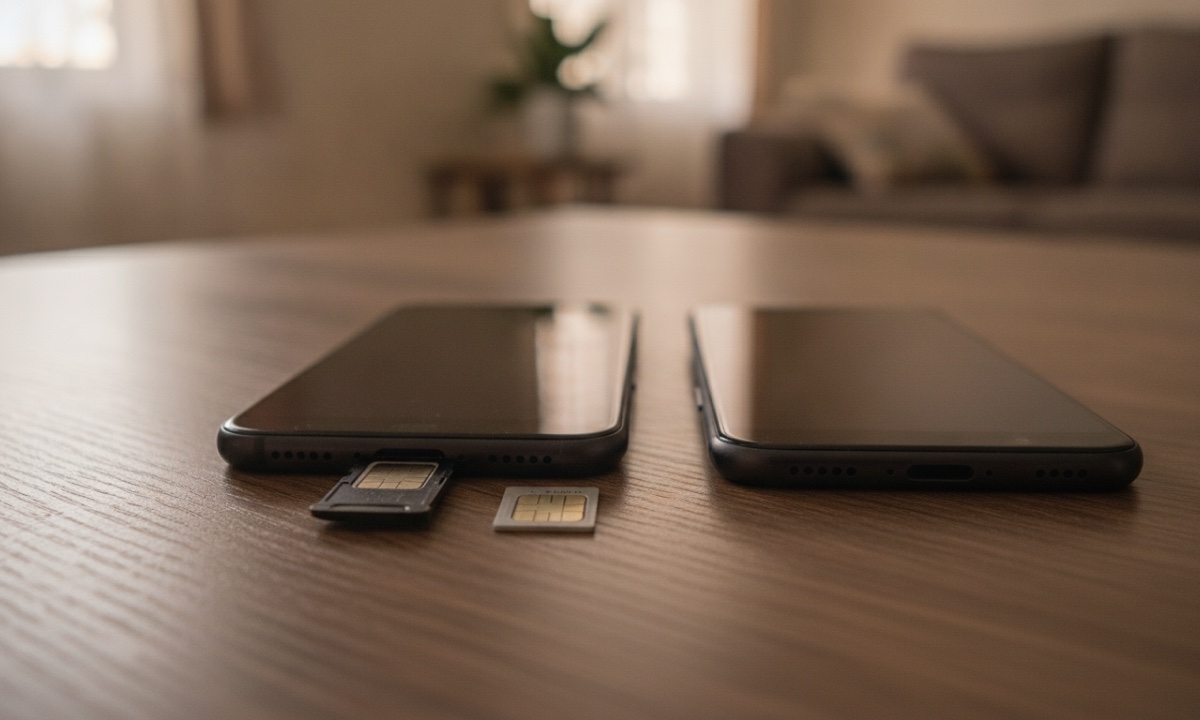
- Add a comma to the end of the code, like *310#, (long-press * on some keypads to type it).
- Turn on Automatic date and time under Settings > General management > Date and time.
- Hold the Power button, long-press Power off and confirm to boot into safe mode. If the code works there, uninstall recent apps one at a time until it fails again.
- Last resort: Settings > General management > Reset > Reset network settings.
Those menu names are Samsung's. Other Android brands hide the same switches in slightly different places, so search Settings for "date", "safe mode" or "reset".
When USSD won't work at all, buy data or airtime in an app
You don't need USSD to buy data or airtime. The MyMTN and Airtel Thanks apps sell the same plans, and so does each network's website. In AidaPay, tap Home > Data (or Airtime), pick the network and plan, type the number and confirm with your PIN. If the purchase fails, your money comes back automatically.
Still seeing the error? Call your network
Dial 300 from your line. It's the NCC help-desk code on every network and the customer care line on MTN and Airtel. From another phone, call Airtel on 08021500300 or Glo on 08050020121. MTN customers can also message 09033000001 on WhatsApp.
Grab a pen before you call. Write down your number, the exact code, the error text word for word, your phone model and whether the SIM worked in another phone. For a problem with an AidaPay purchase, open Settings > Support and quote the transaction reference from History.
Frequently asked questions
Why does my phone say connection problem or invalid MMI code?
Why does *312# open the wrong network's menu?
Why is my bank USSD code not working when I have money in my account?
How do I check if my SIM is linked to my NIN?
What is the MTN customer care number?
How do I fix a USSD code that's not running?
Why is USSD not working on my iPhone?
My Samsung keeps saying invalid MMI code. What do I do?
Sources
- NCC: Harmonised short codes for all service providers
- Guiding Tech: Fix 'Connection problem or invalid MMI code' (updated 23 Aug 2024)
- ICIR: USSD charges to be deducted from airtime from 3 June
- Apple Support: Use Dual SIM on iPhone (choosing a line from the keypad)
- MTN Nigeria contact page (300, WhatsApp 09033000001)
- Airtel Nigeria contact page (300, +234 8021500300)
- Glo contact page (300, +2348050020121)
- AidaPay app guide and FAQ
More like this.
 Phones & internet
NCC Device Checker: Dial *315# Before the 30-Day Phone Block
Phones already on a Nigerian network before 7 October are safe. Here's who the NCC's 30-day SMS really targets and how to check an...
Phones & internet
NCC Device Checker: Dial *315# Before the 30-Day Phone Block
Phones already on a Nigerian network before 7 October are safe. Here's who the NCC's 30-day SMS really targets and how to check an...
 Phones & internet
Code to Check MTN Number: *663#, *123*1*1# or Phone Settings
Dial *663# and your MTN number shows up. If it doesn't, the fix depends on where your SIM sits: a dual-SIM phone, an eSIM, a MiFi...
Phones & internet
Code to Check MTN Number: *663#, *123*1*1# or Phone Settings
Dial *663# and your MTN number shows up. If it doesn't, the fix depends on where your SIM sits: a dual-SIM phone, an eSIM, a MiFi...
 Phones & internet
How to Check Number on Glo: *135*8#, ₦0, and the ₦440 Mistake
Find your Glo number for ₦0 with *135*8# or *301*10#, even with no airtime. Backups if both fail, and the ₦440 wrong-digit mistake...
Phones & internet
How to Check Number on Glo: *135*8#, ₦0, and the ₦440 Mistake
Find your Glo number for ₦0 with *135*8# or *301*10#, even with no airtime. Backups if both fail, and the ₦440 wrong-digit mistake...