
JAMB Admission Deadline 2026: 31 Oct, 30 Nov or 31 Dec on CAPS
Public universities must finish admitting on JAMB CAPS by 31 October 2026, private universities by 30 November and polytechnics by 31 December. See what to have ready, the data you need and how to accept or reject your offer in time.
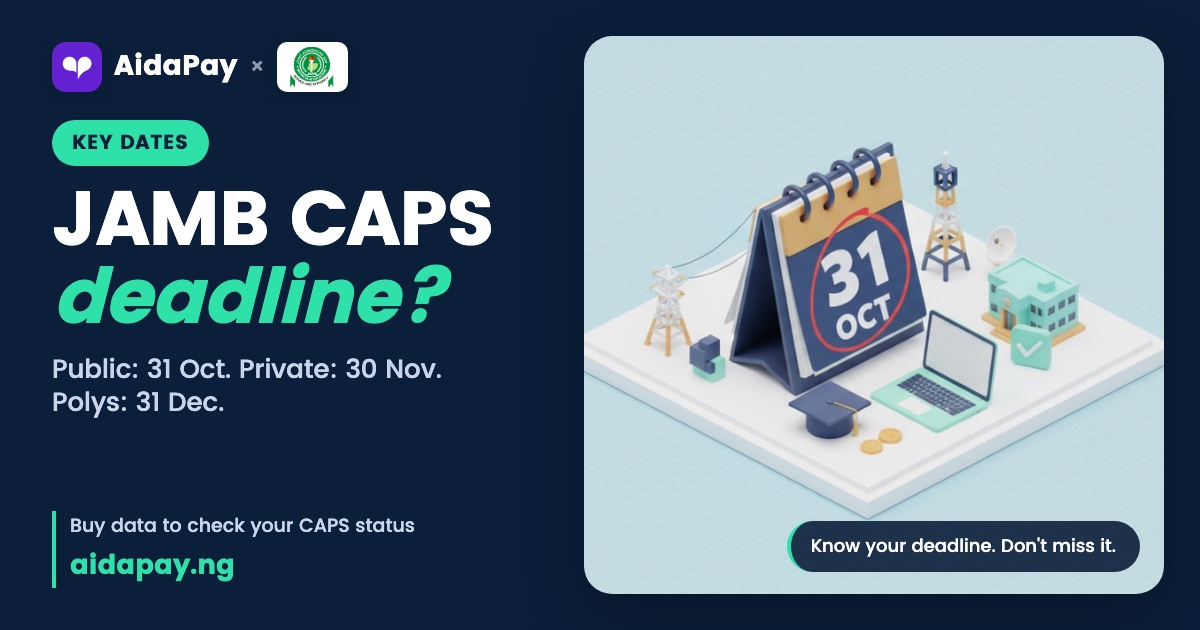
The JAMB admission deadline for public universities is 31 October 2026. If an offer is sitting on your CAPS page, log in today and accept or reject it.
Private universities close on 30 November. Polytechnics, colleges of education and other tertiary schools have until 31 December, so the date that matters to you depends only on the kind of school that offered you a place. CAPS, short for Central Admissions Processing System, is the JAMB portal where every valid admission has to appear. Nothing outside it counts.
The JAMB admission deadline for each type of school
Find your row. That's your date.
| Type of institution | Cutoff on CAPS | What happened in 2025 |
|---|---|---|
| Public universities (federal and state) | 31 October 2026 | Moved to 17 November |
| Private universities | 30 November 2026 | Held |
| Polytechnics, colleges of education and other tertiary schools | 31 December 2026 | Held |
Dates can move. In the 2025 session JAMB pushed the public-university cutoff back to 17 November and called that new date final, while private universities and the other schools kept theirs. Don't build your plans on a repeat. Finish days early if you can. The portal is far quieter now than it will be on the 30th, when half the candidates in your state are refreshing the same page on one bar of network.
Sort these out this week
Start with the login details: your UTME registration number, plus the email and password on your JAMB profile. Forgotten the password? Use the reset link on the login page now, not on deadline night.
Your O'level result has to be uploaded or verified on CAPS.
Your school can't complete your admission without it, so if the result came out recently, put it up the same day you get it. Then sort out the phone side. You need a phone or laptop with an up-to-date browser, enough data, and a little airtime on the number linked to your profile. A second SIM helps, and so does a sibling's phone you can hotspot from when your own network drops. Charge everything the night before.
Data for deadline week, and what it costs
Very little. A CAPS check is a handful of light pages, so cost isn't the worry. The real danger is your data running out halfway through the Accept screen at 11pm, long after every recharge card seller on your street has locked up and gone home.
Buy a weekly plan. On MTN the 7-day 1GB costs less than the one-day bundle and carries you right up to the cutoff. Still waiting on an offer? Then a 30-day plan makes more sense, because it runs well into November.
| Plan | Validity | Price |
|---|---|---|
| MTN 1GB Data Transfer | 7 days | ₦400 (₦4 cashback) |
| MTN 1GB + 1.5min | 1 day | ₦492 (₦2.95 cashback) |
| MTN 2GB Data Transfer | 30 days | ₦950 (₦9.50 cashback) |
| Airtel 1GB Weekly | 7 days | ₦790 (₦4 cashback) |
| Airtel 1GB | 1 day | ₦495 (₦2 cashback) |
| MTN airtime | Any amount from ₦50 | 1.8% back (₦18 per ₦1,000) |
If you're the parent or older sibling footing the bill, you can send the data straight to the candidate's number on AidaPay without ever touching their phone.
Accepting or rejecting your offer, step by step
Look at your status first. "Admission in progress" means your school is still working on its list. "Not admitted" means no offer has reached CAPS for you yet. A real offer names the school and the course, and it has two buttons under it.

- Go to efacility.jamb.gov.ng and log in with your profile email and password.
- Click Check Admission Status.
- Choose your exam year and enter your registration number.
- Click the button that opens your CAPS page.
- Open Admission Status from the menu.
- Read the school and course name carefully.
- Click Accept or Reject, then confirm.
- Log out, then log back in and check the new status.
Think before you click. Once you accept, every other school on your list stops considering you, so if you're unsure about the course, talk it over at home first and treat that click as final. Rejecting works the other way round. You go back into the pool, and a private university or polytechnic on your list may still pick you up before its own cutoff.
Two jobs come after you accept. Print your JAMB admission letter on e-Facility once you've paid the fee there. Then come your school's acceptance fee and screening, and that money goes to the school, not to JAMB.
When CAPS won't load, or you've missed the date
Expect slow pages.
Everyone logs in during the same few days, just as the networks start to crawl, so a single page can take minutes to open. When it hangs, switch your browser to desktop mode, or clear the cache and try another browser. Mornings are better. Fewer people are online. If none of that works, move to your back-up SIM or a hotspot and try again. For a problem that drags on past a day, open a ticket at support.jamb.gov.ng and keep the ticket number somewhere safe, and visit a JAMB office only once every online fix has failed.
Some candidates see Not admitted on CAPS while their name already sits on the school's own list. Usually the school hasn't sent that list to CAPS yet, or the O'level result is missing there. Upload or verify it. Then check again every few days.
Missing the JAMB admission deadline for public universities doesn't end your year.
Private universities admit until 30 November, and polytechnics and colleges keep going until 31 December, so keep checking CAPS after the university dates pass, because a fresh offer can still land on your page.
Dates as at 21 October 2026. We update this page if any cutoff moves. Until then, log in, read your status and act on any offer before your school's date.
Frequently asked questions
What happens if I don't accept my admission on CAPS before the deadline?
Can I reject an offer on CAPS and get another one?
How do I check my JAMB admission status on my phone?
Why does CAPS say not admitted when my name is on the school list?
Sources
More like this.
 Exams & results
How to Check WAEC Result Without a Scratch Card: NIN or e-PIN
Since 5 August 2026, school candidates can get their WAEC serial number and PIN with a NIN and OTP. Here's how to fill the five wa...
Exams & results
How to Check WAEC Result Without a Scratch Card: NIN or e-PIN
Since 5 August 2026, school candidates can get their WAEC serial number and PIN with a NIN and OTP. Here's how to fill the five wa...
 Exams & results
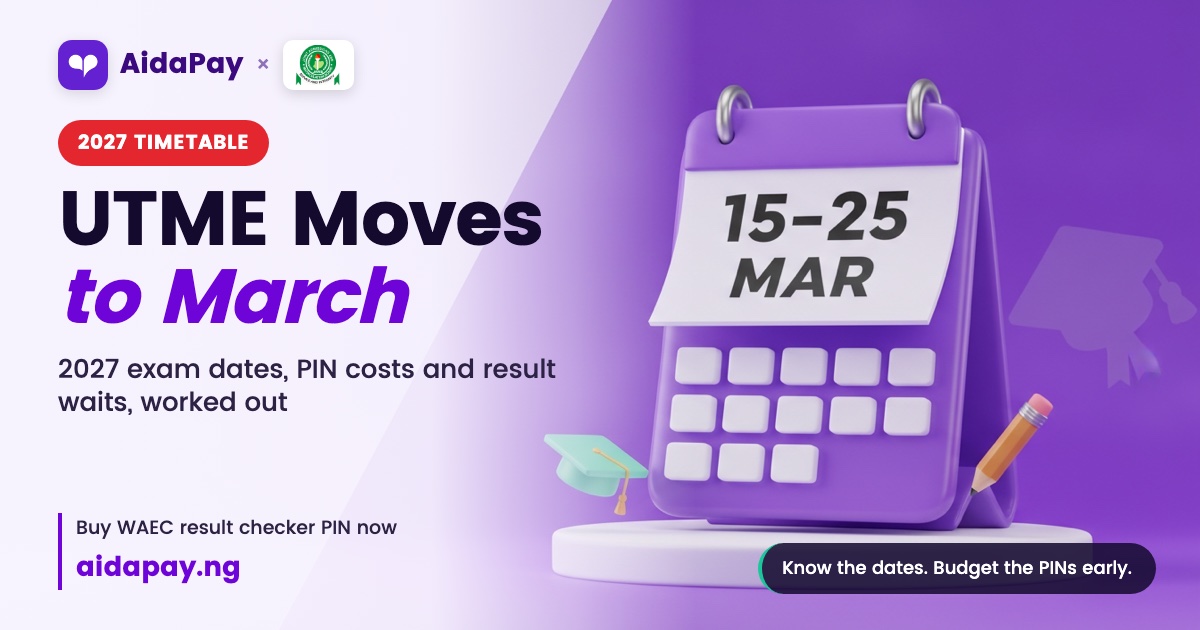
2027 Exam Timetable: UTME, NECO and WAEC Dates and Result Waits
Under the proposed 2027 calendar, UTME moves to 15–25 March and WAEC and NECO results are due by August. One SS3 family's dates, w...
Exams & results
2027 Exam Timetable: UTME, NECO and WAEC Dates and Result Waits
Under the proposed 2027 calendar, UTME moves to 15–25 March and WAEC and NECO results are due by August. One SS3 family's dates, w...
 Exams & results
How to Check JAMB Admission Status on CAPS Before You Pay
Log in to e-Facility, open CAPS and read your real admission status in about five minutes. See where the portal trips people up an...
Exams & results
How to Check JAMB Admission Status on CAPS Before You Pay
Log in to e-Facility, open CAPS and read your real admission status in about five minutes. See where the portal trips people up an...