
What Is a KCT Token? Key Change Token Meaning, KCT1 and KCT2
A KCT is the pair of 20-digit codes from your DisCo that resets the keys in your prepaid meter. Here's when you need one, where to get it and how it differs from your energy token.
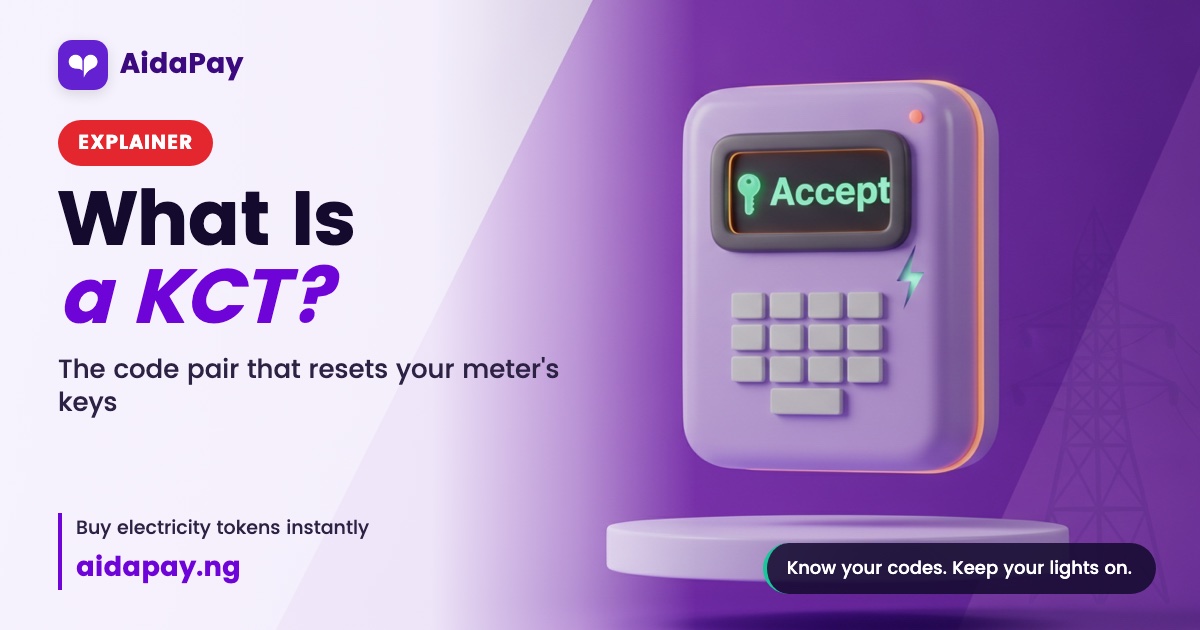
A KCT (key change token) is a set of 20-digit codes, usually two, that your electricity distribution company (DisCo) issues to update the security keys inside your STS prepaid meter. Once the meter takes the new keys, it accepts tokens again and keeps the units already on it.
On a receipt they show up as KCT1 and KCT2. Ask around the compound what is KCT token and you may get a shrug, at least until the meter starts rejecting tokens you paid good money for.
What is KCT token short for, and how does it work?
Key change token. Yes, "KCT token" says token twice, but that's what everyone calls it.
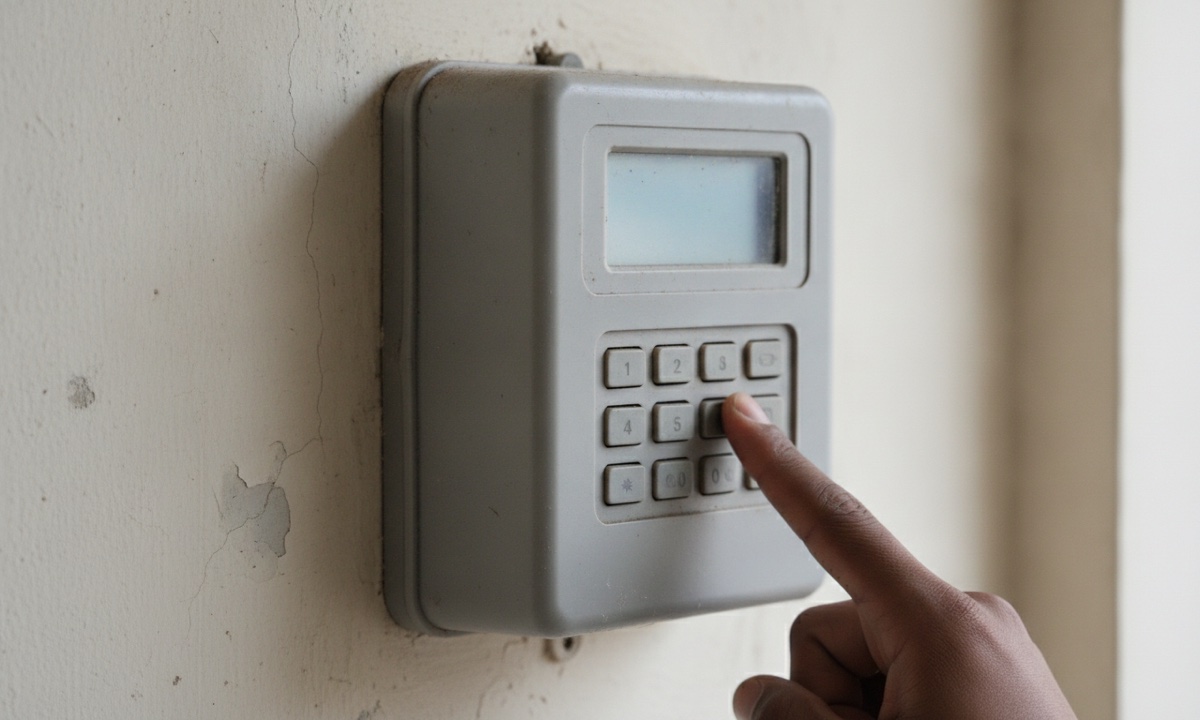
Your STS meter only accepts a token locked with keys that match its own, and those keys hang on details stored inside the meter, such as its supply group code and its tariff index. Change one and good tokens bounce. The KCT carries the fresh keys across.
So far the biggest trigger has been the TID rollover. TID (Token Identifier) is a counter inside every token that counts minutes from a 1993 base date. Because that counter eventually fills up and starts again from zero, meters had to move to a 2014 base date before 24 November 2024, and NERC ordered DisCos to give customers two free KCTs for the switch.
Other changes can call for one too: a new tariff index, a move to another DisCo or vending system, or a security key update. Your DisCo can tell you which applies.
Order matters. KCT1 goes in first, then KCT2, then your energy token, with Enter (or #) after each.
What does it look like when your meter needs one?
Say you rent a flat in Ikeja, buy ₦5,000 of IKEDC units, key in all 20 digits slowly, and watch the meter flash "Reject". Go back to the receipt. Below the energy token sit two extra codes marked KCT.
- Key in KCT1 and press Enter. The meter shows "Accept".
- Key in KCT2 and press Enter. "Accept" again.
- Key in your energy token and press Enter.
Your units load on top of whatever was already there.
If the screen still says Reject, check that the meter number on the receipt matches the one on your meter, because codes made for another meter will never load on yours. Did KCT2 go in first? Start again from KCT1. After that, call your DisCo with the receipt in hand.
KCT, energy token or clear tamper code: which is which?
All three run to 20 digits and can sit on one slip, so mixing them up is easy.
The three 20-digit codes on a prepaid meter receipt:
| Code | What it does | When you get it | Who gives it |
|---|---|---|---|
| Energy token | Adds units | Every purchase | Whoever sells you the units |
| KCT (KCT1 and KCT2) | Changes the meter's keys, adds no units | Once per key change | Your DisCo, often printed with an energy token |
| Clear tamper code | Clears a tamper lock on the meter | After a tamper alert | Your DisCo |
A KCT won't top up your balance. It isn't a refund either. When both codes show Accept and the units haven't moved, relax, because that's exactly what should happen. A tamper alert is a separate problem, and only a clear tamper code from your DisCo fixes it.
Where do you get a KCT?
Start with your last receipt or SMS. Many vending channels print the KCT pair right under the energy token, where it's easy to scroll past when all you want is light back in the house.
No KCT there? Contact your DisCo through its app, portal, customer care line or office, with your meter number and last receipt ready, then follow the steps on how to load a KCT on your meter.
NERC made the TID rollover KCTs free. Never pay anyone who calls or comes round offering a "meter update", and load KCTs only from your DisCo.
Related terms
- Other electricity token problems and fixes, if Reject won't go away.
- How electricity tariff bands work, for the pricing side.
- The full glossary, including STS meter and TID.
Frequently asked questions
Do I pay for a key change token?
Will a KCT wipe the units already on my meter?
Is it safe to load a KCT someone sends me on WhatsApp?
Can I generate a KCT myself?
More like this.
 Electricity
 Bands and Tariffs in Nigeria: Is Band A Ending?
Band A is still ₦209.50/kWh with most DisCos, and the Reps' report on the bands is due 24-25 November 2026. See every Band A chang...
Electricity
How to Load KCT Token: KCT1, KCT2 Order When Meter Says Reject
Your meter says REJECT or EEE after a tariff or meter change. Get the two KCT codes from your DisCo, load them in the right order,...
 Electricity
 Band A: ₦209.50/kWh Doesn't Mean 20 Hours of Light
Moved to Band A in Lagos? The 20 hours is a weekly average, a downgrade isn't instant, and ₦20,000 buys about 95 units against Ban...