
What Is APN? Access Point Name Meaning, MTN and Airtel Settings
An APN tells your phone which gateway to use for the internet. Here's why a wrong one stops data that shows as active, plus the MTN and Airtel values and where to set them.
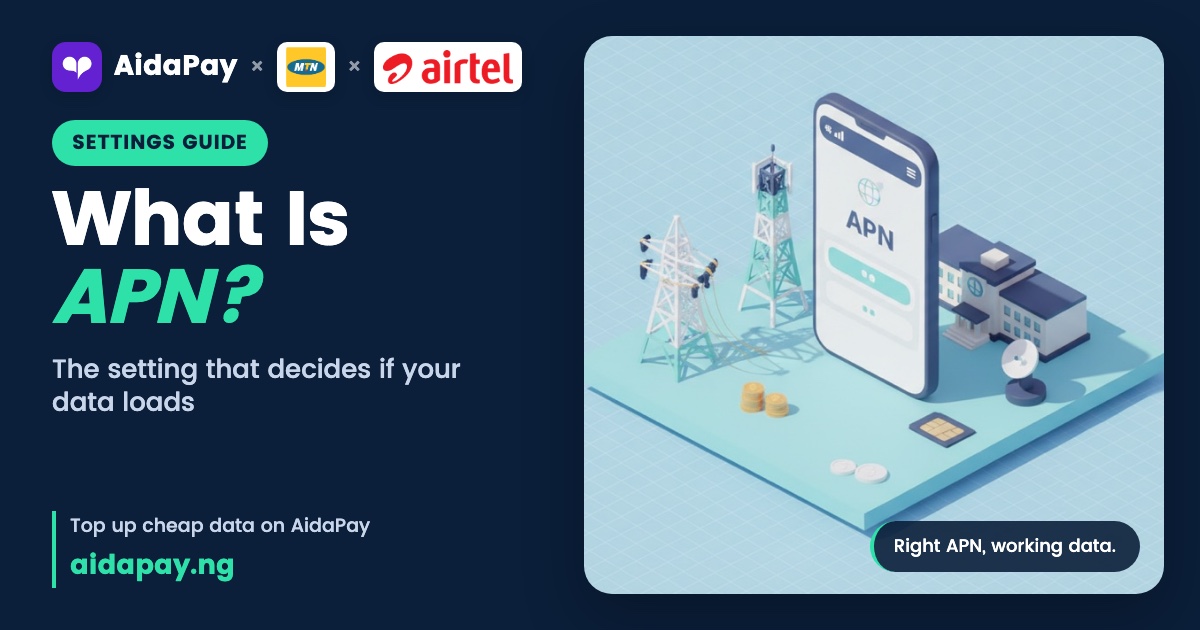
An APN (access point name) is the setting on your phone, MiFi or router that tells it which gateway on your network to use for the internet. Your network checks it before letting data through, so a wrong or missing APN leaves you with a full bundle and no browsing.
Most people look up "what is APN" with a healthy balance on the screen and pages that won't load.
What is APN and how does it work?
Think of it as the address on an envelope: your phone sends a request, and the APN tells the network which gateway should receive it. Most phones pick it up from the SIM on their own. An iPhone on iOS 16 or later can fill it in too, when the network supports that.
Only one field matters. Type the APN exactly and leave the username and password blank. The name is just a label.
MTN and Airtel APN settings, as at 28 November 2026:
| Network | Name | APN | Username and password | Auto-settings SMS |
|---|---|---|---|---|
| MTN | MTN WEB | web.gprs.mtnnigeria.net | Leave blank | Text SETTINGS to 3888 (free) |
| Airtel | Any label you like | internet.ng.airtel.com | Leave blank | Text Internet to 232 |
If the MTN settings SMS never arrives, call 300 or visit an MTN Service Centre. On Glo or T2, get the values from the network itself, because old numbers copied from random pages can cut your data.
Data on but not working? The fix
Say you've put your MTN SIM into a new Android phone, maybe one bought abroad. *323# shows your bundle, yet WhatsApp sits on "connecting", and when you open Access Point Names you find a foreign carrier's profile selected, or a blank one. Here's the fix:
- Open Access Point Names and select the MTN profile, or tap + to add one.
- Type MTN WEB as the name and web.gprs.mtnnigeria.net as the APN, then save.
- Tap the circle beside the profile so it becomes the active one.
- Turn airplane mode on and off, or restart the phone.
Expect the same fault after an iPhone update, because updating iOS wipes any APN you typed by hand. SIM swaps do it too. On a MiFi it looks like full bars and no internet.
Mobile data, VPN and DNS: what's the difference?
Mobile data is the switch that decides whether your phone uses the cellular connection at all. The APN only picks the gateway. That's why "free browsing APN" tricks fail: the APN never adds to your bundle or takes from it, and no setting here makes data cheaper. VPNs and private DNS sit on top, with the APN working underneath both.
Leave the MMS APN alone, since picture messages travel on it.
How to change the settings on Android and iPhone
Only change it when your network tells you to.
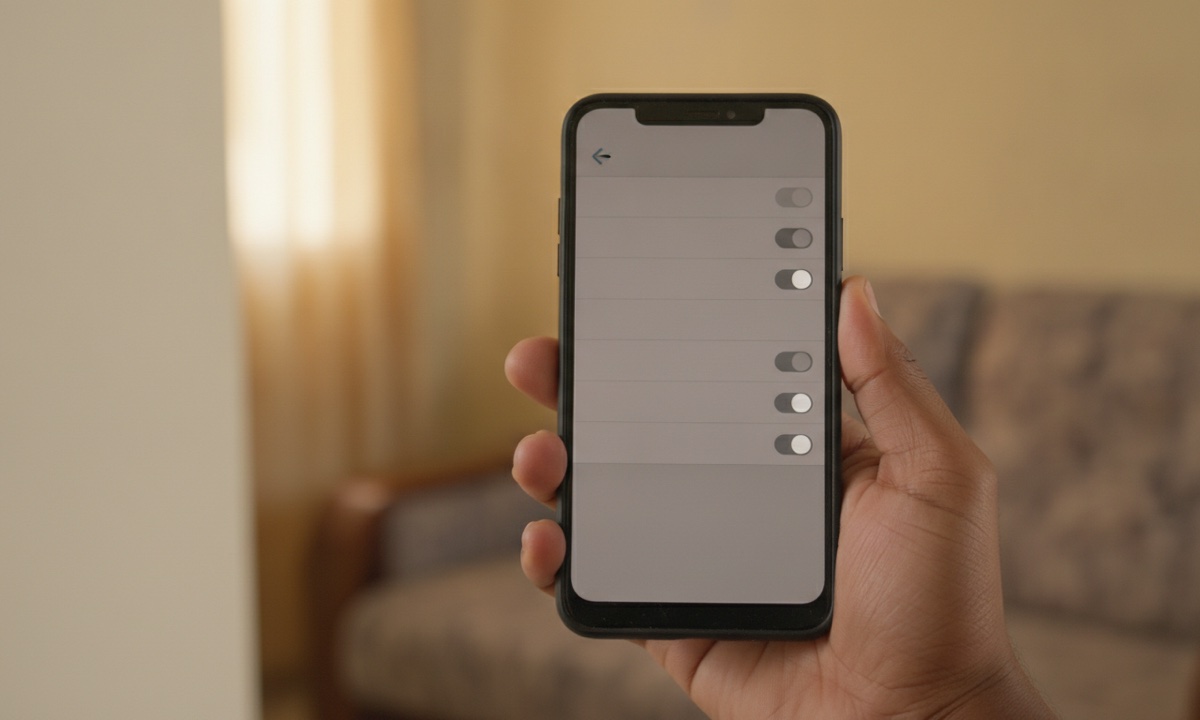
Android
Menu names vary by brand. Go to Settings, Network & internet (Connections on some phones), SIM or Mobile networks, then Access Point Names, and tap + to add a profile. "Reset to default" in that same menu brings back the original list.
iPhone
Open Settings > Mobile Service > Mobile Data Network, or Settings > Cellular > Cellular Data Network on some models. Reset Settings, at the bottom, restores the defaults. No menu at all? Your network has locked it, so you'll need to contact them.
MiFi or router
Log in to the device's admin page and look under the mobile network or dial-up profile section.
Once pages load again, check your balance, and if it's low you can top up with a cheap data plan on AidaPay.
Related terms
If the APN is right and data is still dead, try MTN data not working after recharge or Airtel data not working: the fix. For the basics, read what a USSD code is and SME data explained, or browse the full glossary of data and phone terms.
Frequently asked questions
What does APN mean on my phone?
What is the MTN APN?
Is it safe to change APN settings?
Can changing my APN give me free data?
Where do I find the APN on my phone?
What should I type as the Airtel APN?
Why did my iPhone lose its APN after an update?
More like this.
 Phones & internet
SIM Barred for NIN? 4 Causes, the *996# Check and the Fix
Calls and data gone, and the network says your line is barred for NIN. Find which of four causes you have with *996#, then follow...
 Phones & internet
How to Unbar SIM Blocked for NIN: *996#, *785# and the Wait
Dial *996# (or *785# on MTN) from the barred SIM, enter your NIN and allow about a day. Here's the route for each network, and wha...
Phones & internet
How to Hide Number on MTN: #31#, *31# and ₦0 Extra Per Call
Type #31# before the number and your MTN call shows as private, at no extra cost. Here's the all-calls switch, the phone settings,...