
Airtel Data Not Working? Check *323#, Then Fix the APN
Your Airtel bundle shows as active but nothing loads. Find out if it's social-only or night data, then fix the APN, 4G setting, NIN bar or outage step by step.
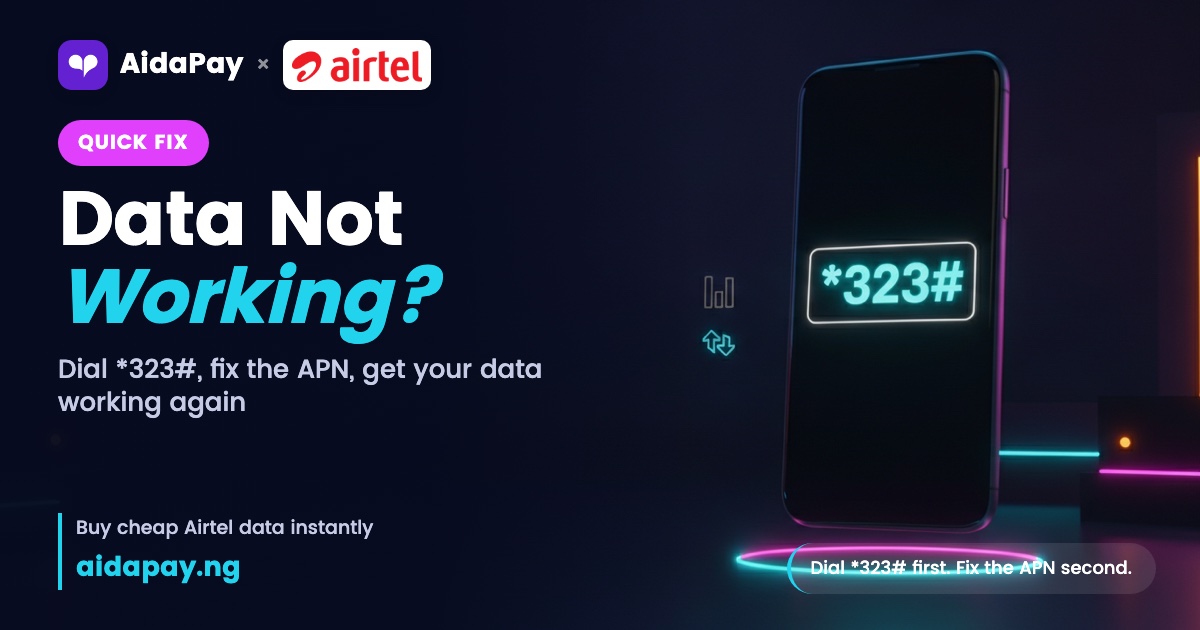
When you find your Airtel data not working even with full bars and a fresh SMS, dial *323# first. It shows whether your data is general or locked to social apps. If it's general, set your APN to internet.ng.airtel.com and switch mobile data off and on again.
Five causes cover almost every case, and you can test most of them yourself without leaving the house. Start with the bucket check. It's free. You won't touch a single setting either. On a phone with two SIMs, keep the data balance codes for every network close so you check the right line.
Your bundle only works on some apps or at night
Many Airtel plans split your data into buckets. One browses everything. Another opens only social apps or works only late at night, which is how you can chat on WhatsApp all afternoon and still watch Chrome spin on a simple web page.
That's how you end up holding 2GB with nothing loading in the browser.
How to tell it's this one
WhatsApp, TikTok and YouTube load fine. A website won't. Or *323# shows a balance, but the line carries a word like social, YouTube or night, and that word tells you the data is locked to certain apps or hours.
Monthly plans such as Airtel 2GB - 1 Month come with a 2GB YouTube Night bonus on top. Good for late-night videos. It won't open websites, so don't count it as your main data.
Social plans behave the same way. On AidaPay, Airtel 1GB (Social Media) - 3 Days costs ₦296, with ₦1 back. You can use it on five social apps only, WhatsApp and TikTok among them. Prices as at 6 November 2026.
Dial *323# from the Airtel line that won't browse and read every balance line slowly, because each bucket sits on its own line and the general one is easy to miss. When only social or night data is left, buy an Airtel general-data plan, one without "Social Media" in its name.
Airtel APN settings for Android and iPhone
The APN (access point name) tells your phone how to reach Airtel's internet. When it's missing or wrong, no app connects at all, even though *323# still shows general data sitting there. A new phone, a SIM swap or a software update usually knocks it out.
On Android, set it up by hand:
- Open Settings, then Mobile network (some phones call it Connections or SIM cards).
- Tap Access Point Names, then Add or the + sign.
- Name the new profile Airtel Internet and type internet.ng.airtel.com in the APN box.
- Put internet as both the username and the password, and default as the APN type.
- Save it, pick the new profile and restart.
iPhone users type the same APN under Mobile Data Network in Settings. Most phones pick these settings up on their own, so only enter them by hand when data won't connect on any app at all, not just one.
No 4G icon? Check network mode and signal
Look at the top of your screen. An E, H or 3G where 4G should be means your phone has dropped to a slower network. With no data icon at all, the phone has lost the network completely, and data that works at home but dies at the office points to the same problem.
Go to Settings, then Mobile network, then Preferred network type, and pick 4G/LTE or 5G/Auto before you test a website again. On a dual-SIM phone, set Airtel as the data SIM.
Still nothing? Turn airplane mode on for about ten seconds, then off. When that fails too, power off, take the SIM out, put it back in and restart, and keep the network reset for the very end because it costs you something.
Your SIM is barred or not linked to your NIN
Calls and data failing together is the clue. Airtel may also send you an SMS asking you to link your National Identification Number (NIN).
The fix takes a minute. From the Airtel line itself, dial *121*1# and choose NIN Capture, which is option 1. Type your 11-digit NIN at the prompt. Then wait for the confirmation SMS. When the code fails or no SMS turns up, take your NIN slip to an Airtel shop and ask the staff there to link it for you.
Is Airtel data not working today, or is it just you?
Sometimes Airtel data not working has nothing to do with your phone. Ask someone nearby on Airtel to open a website.
Their phone fails too, while friends on other networks browse fine. That's probably an outage, not a faulty phone. Stop changing settings and check Airtel's official social media accounts for a notice. Hold off on buying another bundle, because fresh data won't load until the network comes back anyway, and report the outage to customer care so it's on record.
Who to call when nothing works
Call Airtel customer care from your Airtel line, or walk into an Airtel shop. Have four things ready: your phone number, the plan name, the time you bought it and a screenshot of your *323# screen. Ask for a ticket number. Write it down.
Airtel gives you a time frame when you complain. Once it passes with no fix, take the matter to the Nigerian Communications Commission (NCC) by dialling 622, which is free on every network, or by emailing consumer@ncc.gov.ng with your ticket ID. Add a short note on what you've tried. While you wait, keep the full list of Airtel USSD codes handy.
Bought the bundle on AidaPay and it never arrived? We refund a failed purchase automatically. A pending order is different: open Transactions to requery it or raise a ticket.
Frequently asked questions
Why is my Airtel data not working even after recharge?
What is the APN for Airtel Nigeria?
Why is Airtel internet not working in my area?
Can I use Airtel social bundle on Chrome?
How do I complain to NCC about Airtel data?
Is Airtel down today, or is it just my phone?
How do I complain to Airtel when my internet isn't working?
Why won't Airtel data work on my iPhone?
Sources
- AidaPay app catalogue (Airtel data plans, bonuses and cashback, 6 Nov 2026 10:54)
- AidaPay FAQ / app guide (refunds, Transactions requery)
- Mobility: Airtel Nigeria APN settings (internet.ng.airtel.com, username and password internet)
- NCC: Linking your NIN with your mobile number (Airtel *121*1#, option 1 NIN Capture)
- NCC: Telecom complaint resolution, step-by-step guide (complain to provider first, ticket number, 622, consumer@ncc.gov.
More like this.
 Data
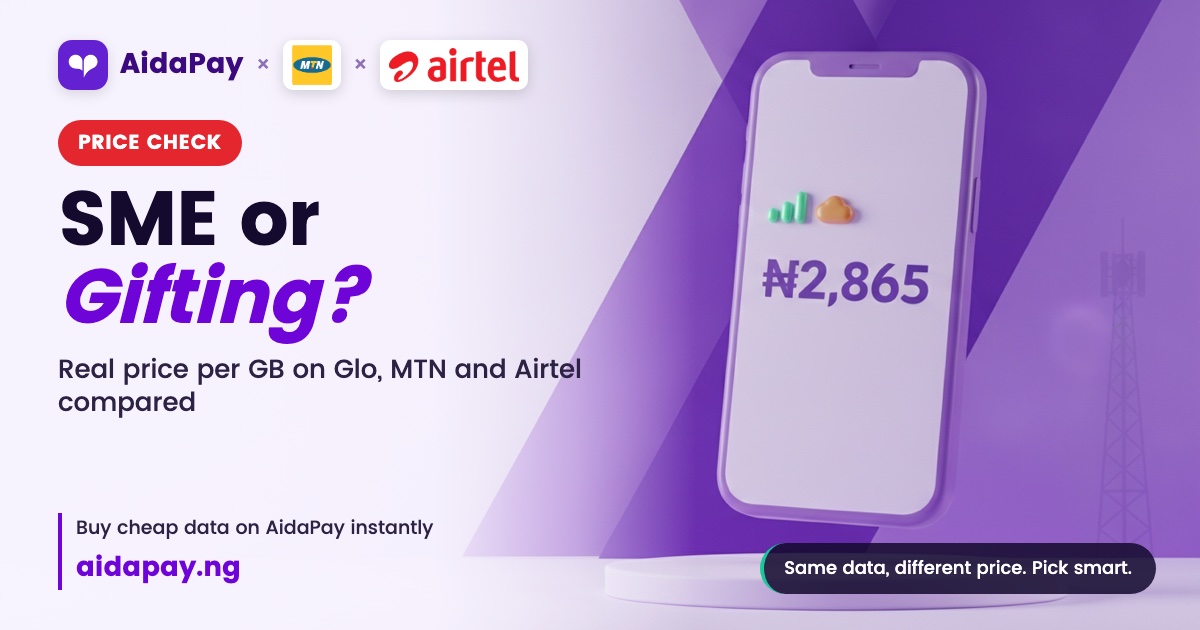
SME Data vs Gifting vs CG: Glo 10.5GB ₦2,865 or MTN 10GB ₦4,433?
SME, gifting and CG data are delivery labels, not different data. See the real price per GB on Glo, MTN and Airtel, what rolls ove...
 Data
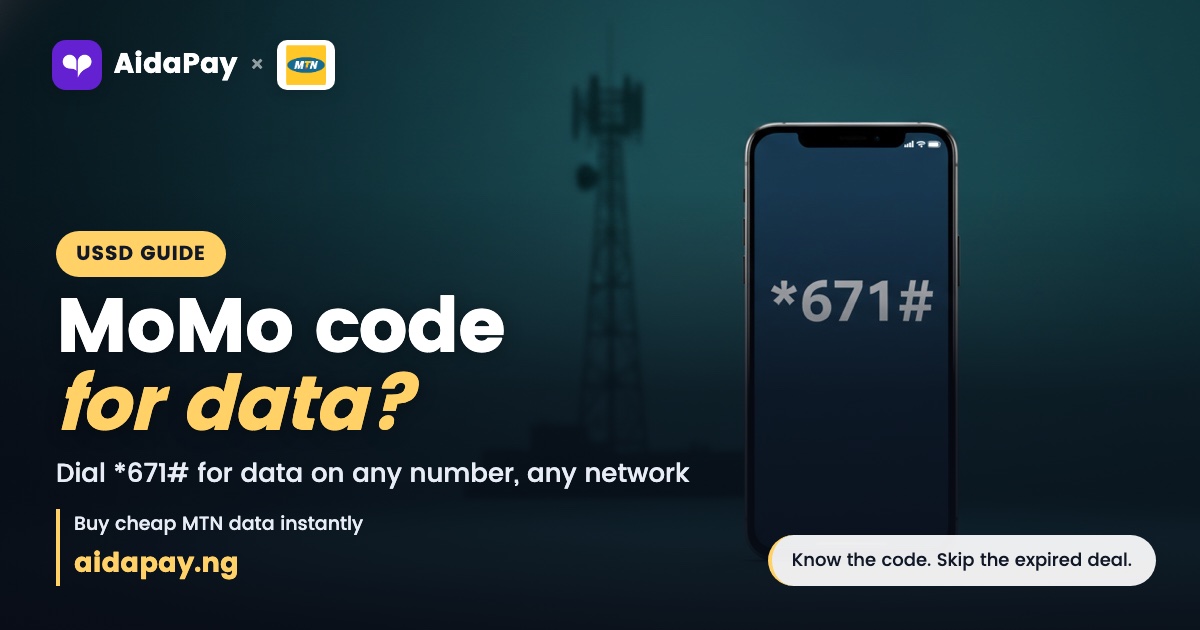
MoMo USSD Code to Buy Data: *671#, *312# or the Ended ₦200 1GB
Dial *671# to buy data from your MoMo wallet for any number, or *312# if you only have airtime. The ₦200 1GB shortcode is still li...
 Data
Data Prices in Nigeria, November 2026: No Hikes, 12 New Plans
No MTN, Airtel or Glo bundle went up as at 1 November 2026. See the new MTN router and MiFi plans, the plans that were removed, an...