
How to Check NECO Result 2026: Token Price, Steps, Fixes
NECO's 2026 SSCE Internal results came out on 24 September. Here's where to buy the token, the exact fields on results.neco.gov.ng, and what to do when it says invalid or withheld.
NECO released the 2026 SSCE Internal results on Thursday 24 September 2026, a week later than last year's 17 September 2025 release (NAN). You check yours online at results.neco.gov.ng with a result token and your registration number. The one thing to do now: find your exam slip and buy the token on the official portal.
Skip the stranger on WhatsApp who promises a cheaper token. Here's how to check NECO result on your phone, step by step, what the token costs and how to fix the usual errors.
Is NECO result 2026 out? Yes, since 24 September
Registrar Prof. Dantani Ibrahim Wushishi announced the results at NECO's headquarters in Minna. According to New Telegraph the exam itself ended on 23 July, and Vanguard counted 63 days between that last paper and release day.
Last year was quicker. NAN reported that the 2025 results came 54 days after the final paper, on 17 September. So if a younger brother or sister sits the exam next year, those two releases suggest the results will land somewhere between the middle and the end of September.
Most candidates cleared the bar admissions care about. Vanguard put the share with five credits including English and Mathematics at 58.67%. Open those two subjects first. Universities and polytechnics look at that line before anything else on your result, so a credit in both is the first thing to confirm when the page opens.
You were one of a big crowd. Vanguard reported that 1,371,992 candidates sat the exam this year. Count five credits in any subjects and the share climbs to 84.70%.
What you need to check your NECO result
Gather everything before you open the portal. That way you fill the form in one sitting instead of hunting for your slip halfway through.
Start with your NECO registration number, copied exactly as it's printed on your exam slip. You'll pick the exam year (2026) and the exam type, SSCE INTERNAL, from two dropdowns. Then comes the result token, which is either one you already have or one you'll buy with a working card or bank app, and buying it needs an account. Use an email address you can actually open.
The last part is boring but it saves you a second trip. Charge the phone or laptop, make sure it has data, and keep a printer nearby or enough free storage for a screenshot or PDF.
Lost the slip? Go to your school. It registered you for the exam and holds the registration records, so the exams officer can read your number off their list and write it down for you, letter by letter.
Data matters more than you'd think, even though the result page itself is light. A weak signal can leave the page hanging just after you tap submit, and nobody enjoys refreshing a half-loaded result while the whole family stands behind the chair. Check your data balance first.
How much does the NECO token cost?
Technext reported ₦2,100 per token in April 2026. You buy it on the same NECO portal. The live price only shows at checkout after you log in, with any card or transfer charge added on top, so read the total before you confirm.
To buy the token yourself, follow these steps:
- Create an account on results.neco.gov.ng with your name, email, phone number and a password.
- Log in and tap Purchase token.
- Choose how many tokens you want, check the total and pay.
- Open the history page and write down the reference labelled "RRR/Revop Number".
Keep that reference safe, because support asks for it first if anything goes wrong. Put it in a note on your phone, or write it on the back of your exam slip where it won't wander off.
Here's what a check can cost you. NECO shows its live token total only at checkout; AidaPay data prices are as at 3 October 2026:
| What you pay for | Where | Price |
|---|---|---|
| NECO result token | results.neco.gov.ng | ₦2,100 (Technext, April 2026); exact total shown at checkout |
| Token bought through your school or a cyber café | In person | Their own markup; ask before you pay |
| SMS check (you still need a token) | Text 32327 from the phone linked to your registration | ₦50 from airtime, per Technext |
| AidaPay: MTN 500MB data, 7 days | Data to load the portal | ₦350 (₦3.50 cashback) |
| AidaPay: MTN 1GB data, 7 days | Data to load the portal | ₦400 (₦4 cashback) |
If your data is low, top up MTN data on AidaPay before you open the result portal. We don't sell NECO tokens, so get the token itself from NECO.
How many times can you use one token?
One token, one candidate. NECO's purchase page says a token works with only one result, for "a specific number of views", without ever saying what that number is. Technext's April guide is stricter: a single result, checked once. Save the result the first time it opens, and the limit stops mattering.
How to check NECO result on your phone, step by step
We walked through the check form on results.neco.gov.ng on 3 October 2026 for these steps. A laptop works the same way.
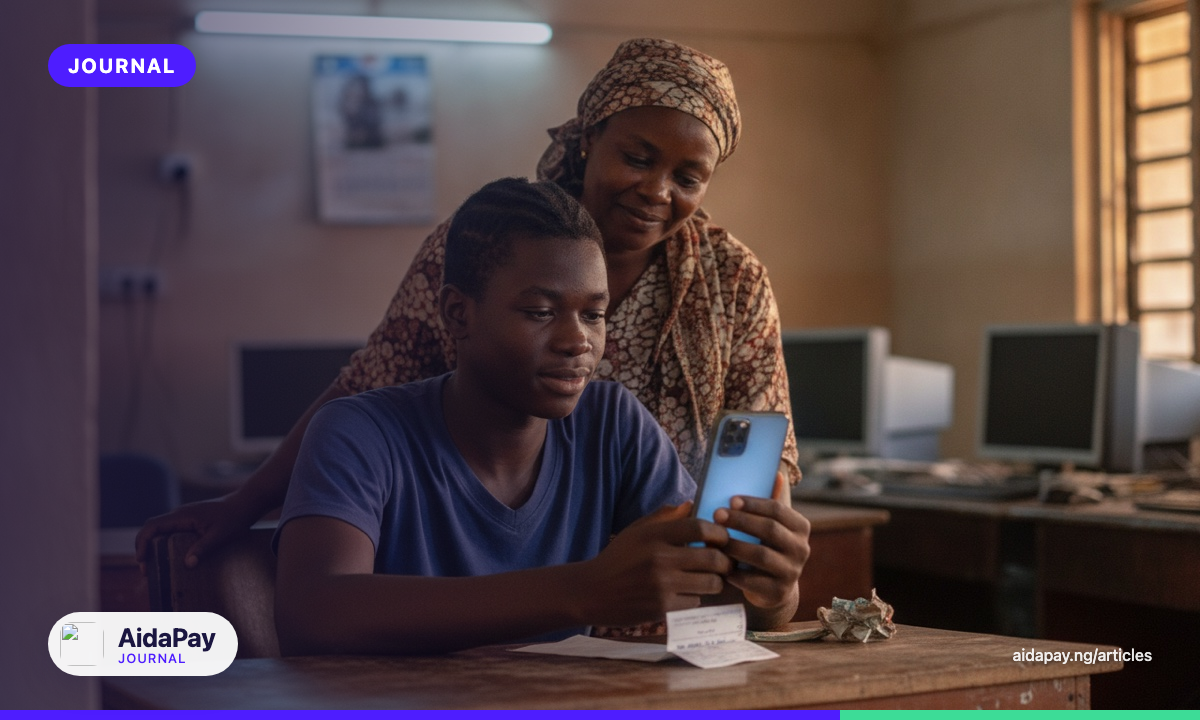
- Open results.neco.gov.ng in your phone's browser.
- Under Examination Year, choose 2026.
- Under Examination Type, choose SSCE INTERNAL.
- Type your token into the Token box. It's shown in groups of four digits.
- Type your registration number exactly as it appears on your slip.
- Tap Check Result and wait for the next page.
- Take a screenshot, then print the page or save it as a PDF.
Pause before you tap Check Result and look at three things on the form. The year should say 2026 and the exam type SSCE INTERNAL, while the registration number should match your slip character for character.
Don't worry about the button's name. NECO's side panel calls it "Check my result", while the button itself reads Check Result.
Keep the saved copy where you'll find it again. Schools ask for it during admission. Uploading your O-level result to JAMB CAPS is a separate job on JAMB's side. With a copy sitting in your email or cloud storage, a lost phone won't send you back to the portal to pay for a second token.
Website not loading at all? Technext describes an SMS route: text 32327 from the phone number linked to your NECO registration, and ₦50 comes off your airtime. You still need a token, though, and with working data the website is usually the simpler choice.
Invalid token, withheld or no token at all: what now?
Most failed checks come down to a handful of problems. Find the one that matches your screen; the fix sits right under it.
The portal says the token is invalid
Look at your typing first. On a small screen a zero and a capital O look almost identical, and pasting from a text message can sneak a space onto the end that you'll never spot.
Then check both dropdowns. Picking 2025 or SSCE EXTERNAL by mistake can make a perfectly good 2026 token fail. A token that has already opened another candidate's result won't open yours either.
For a token bought from an agent, NECO's notice on the portal says to contact that agent. If you bought it yourself and the error won't go away, contact NECO support with your token details.
You're checking for more than one child
Each child needs their own token, and you can buy them all in one go on the purchase page. Before you start, write each token beside the right registration number, because a mix-up can lock a token to the wrong child.
The token worked before and now refuses
It has most likely hit its view limit, so buy a fresh one and save the PDF the moment the result opens this time.
Your result shows as withheld
Withheld means NECO hasn't released that candidate's grades yet, often while it looks into a malpractice case. Vanguard reported 1,406 such cases this year, down from 3,878 in 2025. Talk to your school's exams officer first. If the school can't sort it out, email support@neco.gov.ng and include your registration number.
You paid but no token arrived
Check your email's spam folder first, as the portal's own notice suggests. If it isn't there, call one of the support lines listed on the portal, such as 08027597699. Have three things in front of you when you ring: the RRR/Revop Number from your history page, the email on the account, and your registration number.
You checked at a cyber café or on a borrowed laptop
Log out of your NECO account before you stand up. Send the PDF to your own email, then delete it from that computer's downloads folder so the next customer can't open it.
Once your result is safe, send a copy to whoever is handling your admission. Keep the payment reference until JAMB is done with you. If you share a phone with siblings, move the PDF to your own email as well, where nobody can delete it by accident.
We update this page each year when NECO announces the next SSCE Internal results.
Frequently asked questions
Is NECO result 2026 out?
How much does it cost to check NECO result?
Will one token let me check my NECO result twice?
Can I check my NECO result with my phone?
Why is my NECO result not showing?
How do I check my NECO result by SMS?
Can I check my NECO result without a token?
Is there any way to check NECO result without a registration number?
More like this.
 Exams & results
JAMB Admission Deadline 2026: 31 Oct, 30 Nov or 31 Dec on CAPS
Public universities must finish admitting on JAMB CAPS by 31 October 2026, private universities by 30 November and polytechnics by...
Exams & results
JAMB Admission Deadline 2026: 31 Oct, 30 Nov or 31 Dec on CAPS
Public universities must finish admitting on JAMB CAPS by 31 October 2026, private universities by 30 November and polytechnics by...
 Exams & results
How to Check WAEC Result Without a Scratch Card: NIN or e-PIN
Since 5 August 2026, school candidates can get their WAEC serial number and PIN with a NIN and OTP. Here's how to fill the five wa...
Exams & results
How to Check WAEC Result Without a Scratch Card: NIN or e-PIN
Since 5 August 2026, school candidates can get their WAEC serial number and PIN with a NIN and OTP. Here's how to fill the five wa...
 Exams & results
2027 Exam Timetable: UTME, NECO and WAEC Dates and Result Waits
Under the proposed 2027 calendar, UTME moves to 15–25 March and WAEC and NECO results are due by August. One SS3 family's dates, w...
Exams & results
2027 Exam Timetable: UTME, NECO and WAEC Dates and Result Waits
Under the proposed 2027 calendar, UTME moves to 15–25 March and WAEC and NECO results are due by August. One SS3 family's dates, w...