
GOtv E16 Error: Clear It in 15 Minutes With *288# or MyGOtv
E16 on GOtv usually means the decoder thinks you haven't paid. Here's how to tell which cause is yours, and how to clear it on *288# or MyGOtv.
Your channels have gone blank, and the screen says E16, "service is currently scrambled". Put simply, the decoder thinks you haven't paid for what you're trying to watch. GOtv E16 usually comes down to payment, not a broken box. If you've already paid, switch the decoder on, run Fix Errors on *288# or in the MyGOtv app, and give it about 15 minutes.
No payment yet means you pay first.
GOtv Nigeria's help pages give six reasons the error shows up, and they're below with the everyday ones at the top and the rare ones at the bottom. We've added a seventh that GOtv doesn't list on its own: money sent to the wrong IUC number, which leaves your account looking unpaid even though somebody, somewhere, paid.
Your month ran out, or the payment fell short
Start here. It's the likeliest reason by a distance. When your subscription ends, or you pay less than your package costs, the decoder locks every channel until the account shows the full amount. Upgrades, downgrades, XtraView and add-ons follow the same rule.
Checking takes a minute. Dial *288# from your registered phone number, enter your IUC number (the decoder's account number) and save it, then pick Check Balance. Over on MyGOtv or gotvafrica.com, the dashboard shows exactly the same balance due the moment you sign in with the details you normally pay with. Any figure there at all, even a few naira, means you're short and the screen will stay scrambled.
So switch the decoder on, leave it on, and pay the exact price of your package or top up what's missing. Whether you pay on the GOtv site or renew your GOtv subscription through an app, check that the amount matches your plan before you confirm. Then look at the balance again. It should read zero.
Balance clear and E16 still hanging on? The next section is the one you need.
How to clear GOtv E16 after you've already paid
NEPA took light, or you switched the decoder off at the wall before bed, and then you paid from your phone while the box sat dark. MyGOtv shows the payment and no balance due, yet the TV still says E16. GOtv tells customers to keep the decoder powered on whenever they pay.
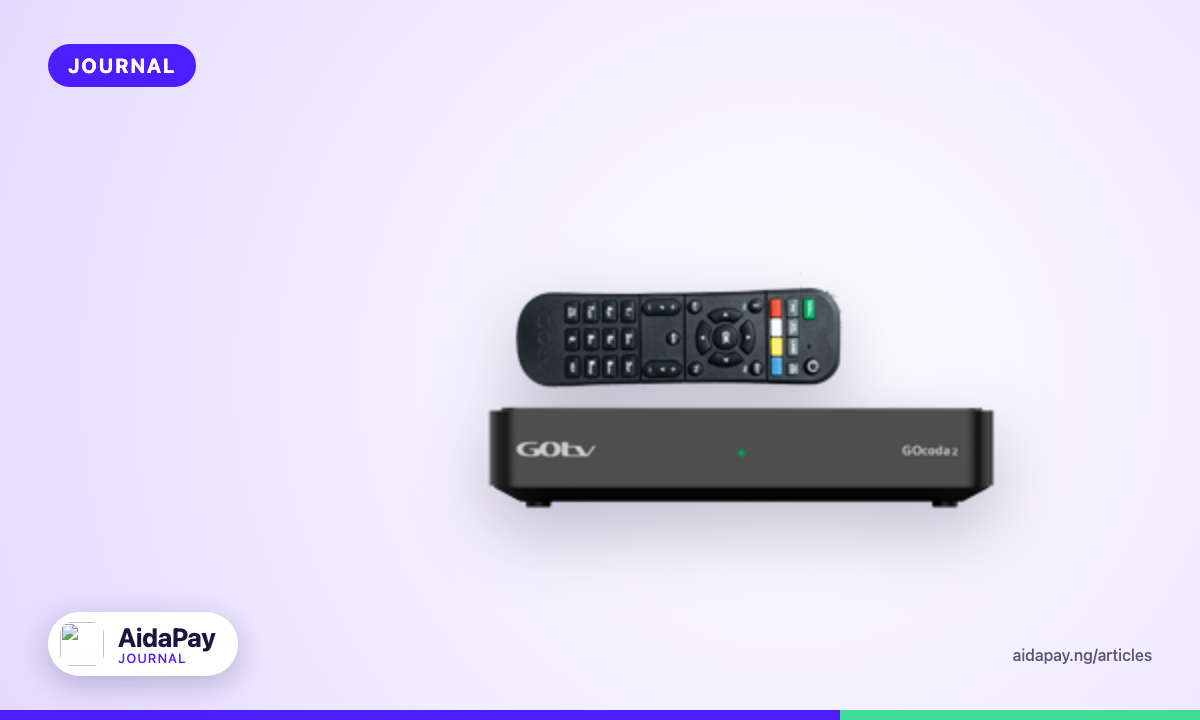
Nobody leaves a box humming at 2am to save a reset they don't know they'll need, though. GOtv built Fix Errors, on the USSD menu and in MyGOtv, for exactly this case.
On *288#
- Switch the decoder on and leave it on.
- Dial *288# from your registered phone number.
- Choose option 5, Fix errors.
- Confirm your profile, then enter your IUC number and save it.
- Choose 1 for E16.
- Wait about 15 minutes.
A confirmation message pops up once you pick the error code. Leave it there. The request went through, and dialling again won't help.
On the MyGOtv app or gotvafrica.com
- Switch the decoder on and leave it on.
- Sign in with the same details you use to pay.
- Go to your dashboard and tap Fix Errors.
- Pick the IUC number showing the error, then select E16.
- Tap Fix Now.
- Wait about 15 minutes.
Both routes carry the same wait. The USSD menu works without internet, which helps when your data has finished; the app needs a connection.
Send one Fix Errors request and leave the decoder on, tuned to a channel, for the full 15 minutes. Firing off a second request halfway through won't make the channels come back any faster, however late into the match you are.
Still scrambled after the wait?
Confirm that the box stayed on the whole time and that the IUC you picked is the one on your own decoder. Check the balance once more. If everything looks right, send one more request, wait again, and if that fails too, keep going down this page.
One wrong digit in the IUC number
Your money opened a stranger's channels.
It's an easy mistake. Mixed-up IUC numbers happen most when someone pays for you, like a sibling in another city who copies the number from a WhatsApp message and drops a digit in the middle. To check, put your receipt or payment SMS next to the sticker on the decoder and read both numbers digit by digit. On *288# you can also view your transactions, and MyGOtv lists payments on the dashboard. If the payment isn't there, it almost certainly landed on another account.
Save the correct IUC on *288# or in MyGOtv so future payments go to the right box, and send that number to anyone who renews for you. Then contact GOtv about the misdirected payment with your receipt or reference ready (the routes are at the bottom of this page).
For a payment made through AidaPay, open the payment in History for the transaction reference, then go to Settings, then Support, and quote that reference in the chat or ticket.
Some channels play, a few don't
Nothing is broken. When most of your channels work and only a handful show E16, GOtv's own explanation is that you're trying to watch a channel your package doesn't carry. Check what your plan includes on MyGOtv or gotvafrica.com.
Want the missing channel? Upgrade, and pay the full price of the bigger package in one go, because GOtv only moves an account up once the whole amount for the new package has landed and part payment just leaves you where you were.
Old decoder software or a weak signal
Both sit on GOtv's list, and you can check each with the remote without touching your account or spending a kobo.
For the software, press Help, open General Information, then Information Central. Update if the screen asks you to, and leave the decoder alone until it's done. Don't switch channels mid-update.
For the signal, go back to General Information and open Tuner Status, where the decoder shows signal quality and strength. Low readings mean the installation is the problem, not your payment. Push the aerial cable firmly into the decoder and see whether wind, a ladder or a curious neighbour has knocked the aerial away from where the installer pointed it. Then check again. GOtv says a weak signal may need an installer, so ask GOtv for an accredited one rather than the man fixing aerials at the junction.
Nothing worked? Talk to GOtv Nigeria
Every one of GOtv's E16 help pages ends at the same place: customer care.
GOtv Nigeria's contact page lists four routes. Dial *288# from your registered number, or sign in at gotvafrica.com and use live chat. The MyGOtv app on Android and iPhone works as well, and email goes to GOtvNigeria@multichoice.co.za.
Put three things in your very first message, so the agent can find and trace the payment without asking you for each one in turn over a long back-and-forth: your IUC number, the receipt or reference, and the time you paid.
WhatsApp numbers, phone lines and SMS "RESET" codes for E16 get passed around online. They contradict each other and none of them is on GOtv Nigeria's contact page, so we've left them out.
Next month, renew a day or two early and pay with the decoder switched on.
Frequently asked questions
How long does E16 take to go after Fix Errors?
Is there an SMS code that resets GOtv?
Does E16 mean my decoder is faulty?
What is the GOtv customer care email in Nigeria?
More like this.
 TV subscriptions
DStv Compact Price Still ₦19,000: The Sports Swap Is SA Only
DStv swapped Compact for a Sports package only in South Africa. In Nigeria, Compact is still ₦19,000 a month. Here's what changes...
TV subscriptions
DStv Compact Price Still ₦19,000: The Sports Swap Is SA Only
DStv swapped Compact for a Sports package only in South Africa. In Nigeria, Compact is still ₦19,000 a month. Here's what changes...
 TV subscriptions
GOtv Jinja Channels List: All 49 at ₦3,900, and No Zee World
GOtv Jinja costs ₦3,900 a month for 49 channels, but no Zee World or Premier League. Every channel number, and how Jinja compares...
TV subscriptions
GOtv Jinja Channels List: All 49 at ₦3,900, and No Zee World
GOtv Jinja costs ₦3,900 a month for 49 channels, but no Zee World or Premier League. Every channel number, and how Jinja compares...
 TV subscriptions
DStv Indian Add-on: Zee TV Out in SA 31 Oct, Zee World Stays
In South Africa, the DStv Indian add-on loses Zee TV and four more channels on 31 October at the same price. Zee World on 166 stay...
TV subscriptions
DStv Indian Add-on: Zee TV Out in SA 31 Oct, Zee World Stays
In South Africa, the DStv Indian add-on loses Zee TV and four more channels on 31 October at the same price. Zee World on 166 stay...