
GOtv No Signal? Do the 75% Signal Test, Then Fix the Antenna
Your GOtv shows no signal or E48-32. Read one number in Information Central, then fix the antenna, cable or scan in the right order, before you pay an installer.
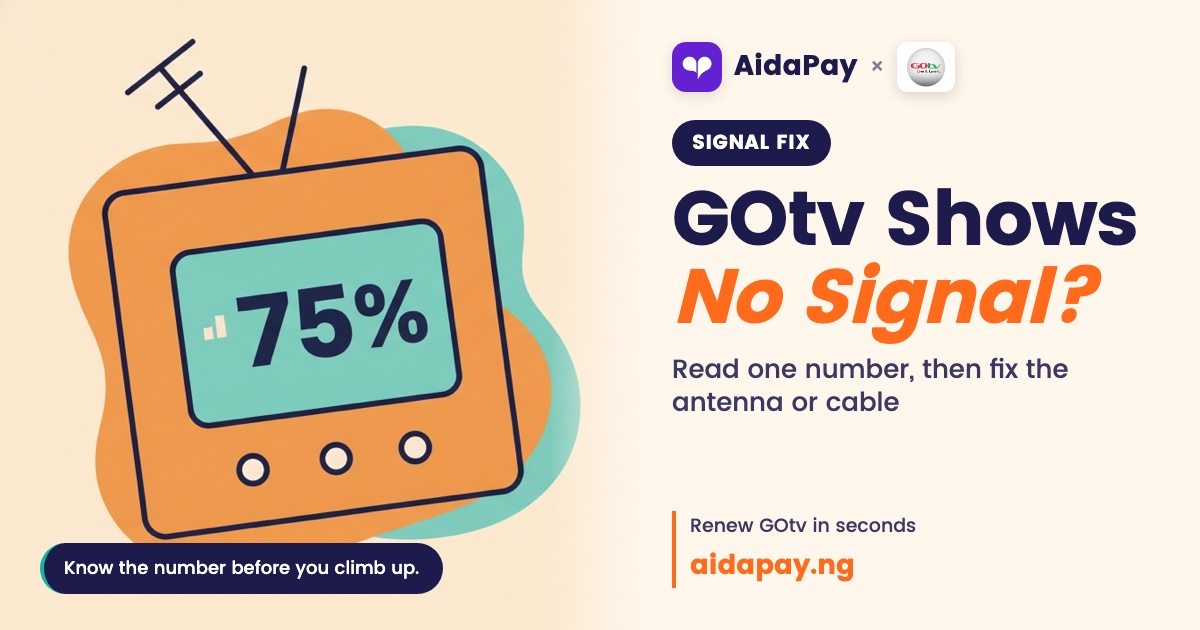
No signal on the TV, or E48-32 (searching for signal) stuck on the screen? Most times the outdoor antenna has shifted or the cable has worked loose, and you can fix GOtv no signal yourself without paying an installer. Press Menu, open Information Central and read the two numbers at the bottom. Both need to be above 75%.
One thing before you start. GOtv is terrestrial: your decoder picks up DVB-T2 broadcasts from transmitter masts, not from a satellite, so any advice about dishes and LNBs simply doesn't apply to your setup.
Before you touch anything, read the signal
Press Menu on the remote, select Information Central and press OK, then look at signal strength and signal quality along the bottom of the screen. Newer decoders may word the menu differently. Find the signal screen.
Now match the reading to the fix, because each number points somewhere different and guessing here is how people end up paying an installer to tighten one loose plug. A flat 0% points at the cable, a connector or the decoder's antenna port. Low but not zero means the antenna wants moving. And when both bars clear 75% and there's still no picture, reception isn't your problem at all, so jump straight to the restart section or the error codes near the end.
The antenna has moved, or it was never outside
Suspect this first. It's the usual culprit. The bars are low or keep flickering, the antenna sits indoors, or a strong wind (or a painter with a long brush) knocked it last week.
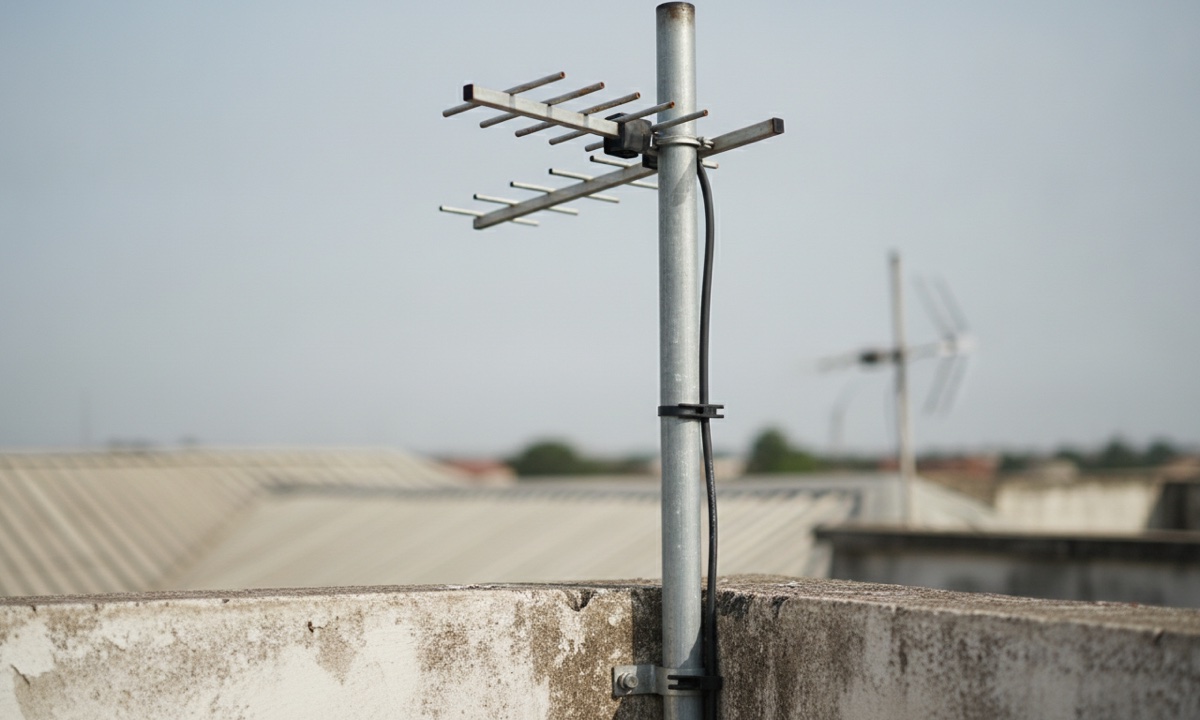
Get a helper.
One of you holds the antenna outside while the other sits in front of the TV with Information Central open, calling out the readings through the window every time it moves even a little.
- Take the antenna outdoors and mount it as high as you safely can, clear of walls, roof sheets and metal.
- Point it towards the nearest GOtv mast, or copy the direction your neighbours' GOtv antennas face.
- Move it up or down, then side to side, in small steps. Stop where both readings peak above 75%, tighten it firmly and press Exit.
Bolt it to a solid pole while you're up there, so the next breeze doesn't undo your work. Don't climb a roof alone, and never in the rain. No football match is worth a broken leg.
A loose, wet or chewed cable
A zero reading sends you here. So does a signal that dies whenever someone brushes past the wire.
- Switch the decoder off at the wall.
- Make sure the antenna cable goes into the decoder's antenna input (often marked RF IN), not into the TV.
- Push in or re-screw the connector at both ends. The thin copper pin in the middle of the plug should be straight and unbroken.
- Run your hand along the cable for cuts, kinks, rat bites, or a spot crushed under a door or window.
Any damage means a new cable. Tape over a cut rarely holds, so buy a new length, power on and read the signal again.
Skip splitters. Every extra joint between antenna and decoder costs a bit of signal, and those small losses pile up faster than you'd expect on a long run from the roof to the parlour.
GOtv no signal after rain or wind
Wait first. Heavy rain and strong wind can bring up E48-32 for a short while, and the picture often comes back once the weather eases. But if the sky has cleared and you still have nothing, the storm has probably turned the antenna or soaked the outdoor connector. Redo the antenna steps above. For the connector, unscrew the outdoor joint and let it dry properly. Screw it back and wrap only that joint with a weather boot or insulating tape so the next downpour can't get in.
The bars are fine but channels are blank
Unplug the decoder, wait a minute, and plug it back in. Do the same after any antenna or cable fix, since a decoder can hold on to its old, weak reading until it starts fresh.
If channels are still blank after that, run a channel scan from the decoder's installation or settings menu and let it search for everything it can receive. Then tune to channel 99. Done. A scan that finds nothing means the antenna still needs work, so go back outside, repeat the 75% test and scan again once both bars are up.
Leave a factory reset for last, because it wipes every saved setting and drops you back into first-time setup, which means sitting through the whole scan again and hoping the antenna is already right.
When the whole street is off
If the GOtv in the next flat is also out, or only some channels have vanished, the fault is likely from GOtv's end. Your roof can't fix that. GOtv broadcasts from more than 73 transmitter sites, and masts go down for repairs now and then. Satellite feeds fail too: from 19 October 2024, the failure of the Intelsat 33e satellite pulled SuperSport, CNN, Channels TV and other channels off GOtv for every subscriber at once. Check GOtv Nigeria's official X or Facebook page for a notice before you drag a ladder out.
Nothing worked? Clear the error, then call in help
Sometimes the screen is showing an error code, not a signal fault. E30 means the decoder was switched off or went without signal for a long time. E16 means it has been disconnected, which often happens when you pay while it's off. Other decoder codes have their own fixes in our fix-it guides.
To clear E30 or E16, switch the decoder on and text RESET with your IUC number to 44688. Or dial *288# from the phone number registered on your GOtv account and pick the option to fix errors.
Paid and nothing changed? When you renew your GOtv subscription on AidaPay, switch the decoder on first. If the renewal doesn't reach it, open Settings, then Support in the app and send your transaction reference.
A 0% reading with an antenna and cable you know are good usually means the decoder itself is faulty. Take it to a MultiChoice office or an accredited GOtv installer. For anything else, email GOtvNigeria@multichoice.co.za or sign in to MyGOtv and use the online chat, with your IUC number in hand.
Frequently asked questions
What does E48-32 mean on GOtv?
Can I use an indoor antenna for GOtv?
Why are only some GOtv channels missing?
How do I reach GOtv Nigeria customer care?
Sources
- GOtv Nigeria self-service FAQs (E16, E30, SMS reset to 44688), re-read 3 Nov 2026
- GOtv Nigeria contact page (*288# fix errors, email, online chat; no WhatsApp or phone line listed), re-read 3 Nov 2026
- GOtv installation guide (outdoor antenna, channel scan, channel 99)
- MultiChoice Namibia reply on GOtv signal (Information Central, 75%, restart)
- Hovatek forum: E48-32 searching for signal
- Brandspur: GOtv broadcast infrastructure (DVB-T2, 73+ transmitter sites)
- AidaPay FAQ (contacting support)
More like this.
 TV subscriptions
DStv Starter Package ₦6,000: Yanga Moves Over, Padi May Pay More
Yanga users keep paying ₦6,000 on Starter with about eight more channels. Padi and Compact users face higher prices. Here's what t...
 TV subscriptions
DStv Error Codes E16, E30, E48-32: What Each Means and the Fix
E16 after paying, E30 that won't move, or E48-32 in the rain? Here is what each DStv code means and the official way to clear it,...
 TV subscriptions
New DStv Packages in Nigeria: 5 Tiers, Prices and Compact Plus
The new DStv packages are Starter, Select, Sports, Movies & Series and Premium. Compact Plus goes, prices are expected on 27 Octob...