
FG 50,000 Code: 5 NERSI USSD Codes, Not One for All Banks
There's no FG ₦50,000 code for all banks. Here are the five NERSI provider codes, how to accept and cash out, and what to do when the SMS never comes.
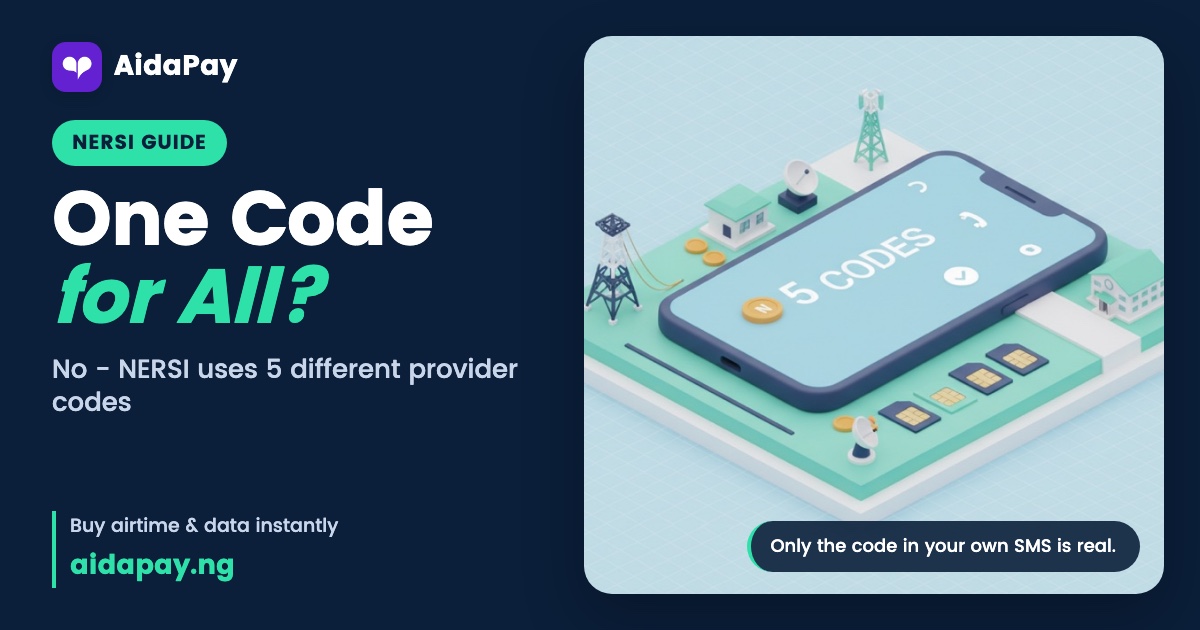
The FG 50,000 code isn't one code for all banks. Once you're picked, your NERSI payment provider texts you its own code, and you dial it from that same SIM to accept, with no data needed.
Five providers share the work. So the right FG 50,000 code is simply the one sitting in your SMS. Applying isn't possible, and nobody can pay their way onto the list, because every beneficiary comes from the National Social Register and verified national identity records.
Is there an FG 50,000 code for all banks?
No. The Federal Government approved five providers, and each has its own code and its own helpline for when something goes wrong. Codes as at November 2026:
- ALAT by Wema Bank: *945*23#. Helpline: 0803-900-3700.
- MoMo PSB: *671*0#. Helpline: 0803-106-7100.
- NairaGram: *726*00#. Helpline: 0201-330-0880.
- OPay: *955*20#, or the OPay app. Helpline: 0700-888-8328.
- Moniepoint: *5573*27#, or the Moniepoint app.
You don't get to choose. Whichever provider handles your payment finds you by text, and your usual bank plays no part, so it makes no difference where your salary lands each month. If a forwarded message carries a different code, it isn't from NERSI.
How to accept the ₦50,000 and cash it out
Even a basic keypad phone handles all four stages below.
The text arrives
Your provider's message names NERSI. It tells you the Federal Government has picked you for free support, then gives the exact code to dial from that same SIM. ALAT's version ends with "Dial *945*23# to accept", and the other four providers put their own code in that spot.
Dial and say yes
- Dial the code from your SMS, using the SIM that received it.
- Choose the accept option, or reply YES.
- Follow your provider's menu to the last screen.
Saying yes is your consent. Without it, nobody pays you. Once you accept, your provider opens a wallet tied to your phone number and your NIN so the money has somewhere to land.
Check that the money landed
Next comes a second SMS telling you the money has arrived. To see it with your own eyes, dial your provider's code again and look at the balance. All ₦50,000 should be there. Nothing comes off it, and since it's a grant, you owe nothing back.
Get it out of the wallet
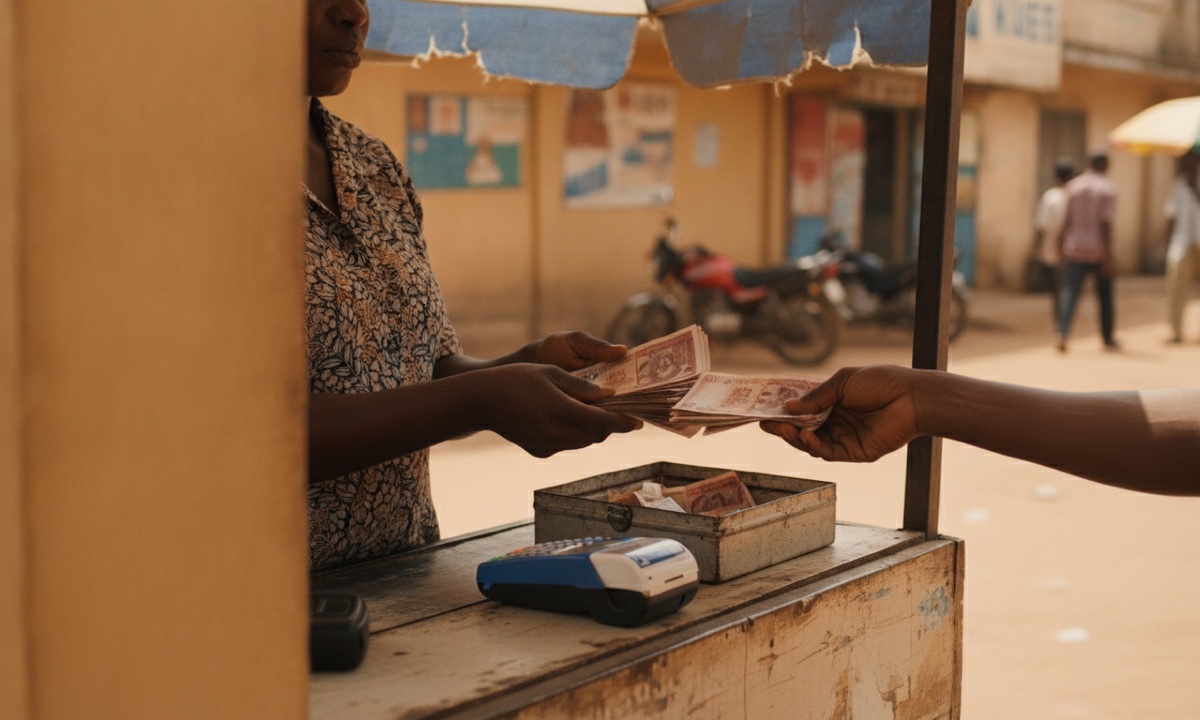
Most people cash out at a POS agent: you send the amount to the agent's account, and the agent counts the notes into your hand. The programme charges no fee. Ask about the agent's own charge before you send anything.
ALAT users dial *945*23*AccountNumber*Amount# from the registered phone. Put either the agent's account number or your own bank account in the middle. Any Wema Bank branch can walk you through it if you get stuck. On MoMo PSB, visit any MoMo or POS agent or use the MoMo NG app, while NairaGram, OPay and Moniepoint each work through their own code or app.
Whatever you leave behind stays in the wallet, maybe until school fees fall due, and you can move it to any bank account in Nigeria whenever you're ready. Only you can collect it. Let a grandchild help you dial if the menus confuse you, but type the PIN yourself and keep the phone in your own hand.
Why your NERSI SMS hasn't come yet
Waiting doesn't mean you've been left out. Payments go out in phases and providers send their texts in batches, which is how your neighbour's phone can buzz on Monday while yours stays quiet for a few more days.
Dial any provider's code and choose Check eligibility to see where you stand. If you're not on the list, the screen reads: "You are currently not selected to receive this relief support." That option only checks. It won't register you or push you up the queue.
Nobody can add your name to the list or speed up your payment. Anyone who offers, for a fee or as a favour, is a fraudster. Report them on 0700-022-2222.
You pressed No, the code fails, or the SIM is gone
Pressed No by mistake? Dial the same code again and pick Yes. There's no deadline, and your provider keeps sending reminders until you accept.
When the code won't go through, check your signal and try once more. Two failures in a row mean it's time to call your provider's helpline.
Losing the phone or SIM feels worse, but the money stays safe in the wallet. Ring your provider straight away so they can protect it. Then get a new SIM on your old number from your network, and once the line works on your phone again, dial the code. On MTN, keep these MTN and MoMo USSD codes handy.
Some callers claim your payment went out by mistake and ask for it back. Hang up. Don't send a kobo.
Is it monthly, and is the ₦20,000 SMS real?
Nobody has confirmed whether NERSI pays once or every month, and the government hasn't set any payment dates. Payments started on 30 October. Until a text from your own provider says more money is coming, plan your month as if it won't.
NERSI pays ₦50,000. Treat a text promising any other figure, the ₦20,000 one included, as suspect, and call the fraud line in the box above before dialling anything it suggests.
How to tell a real NERSI text from a fake
Real NERSI messages come from five senders only: ALAT / Wema Bank, MoMo PSB, NairaGram, OPay or Moniepoint. They ask you to reply YES or dial a code, nothing more. They never carry a link, and they never ask for money, your PIN, your OTP or your BVN.
Anyone who wants a payment to "release" your support is lying, whatever title they give themselves, and so is anyone selling a secret code. Download the official MoMo PSB, OPay or Moniepoint app from the app store, never from a link someone sends you. That WhatsApp chain promising cash for forwarding it is fake too, however many times your aunty drops it in the family group.
Before you dial any code, match it against the official list on the NERSI portal at fmhapr.gov.ng/nersi.
Got the SMS already? Dial its code today from the same SIM. If nothing has come, check eligibility once, then let your provider reach you in its own time, without paying anyone or forwarding anything to anybody. More help sits in our plain-English money and phone guides.
Frequently asked questions
Do I need a smartphone or data to get the FG ₦50,000?
Can I move the NERSI money to my bank account?
How do I register for the ₦50,000 cash relief?
Is the NERSI ₦50,000 paid every month?
Is the ₦20,000 FGN SMS real?
How do I get my NERSI USSD code?
How can I check if I'm selected for the ₦50,000?
More like this.
 Money & payments
Debited but Not Received? Pending vs Failed, CBN Refund Times
You were debited, but the data, airtime, token or PIN never came. The word on your receipt tells you whether to wait, check your w...
 Money & payments
What Is BVN? Meaning, ₦20 *565*0# Check and Is It Safe to Share
Your BVN is the 11-digit number behind every Nigerian bank account. Here's how to see it with *565*0# for ₦20, why apps ask for it...
 Data
MoMo USSD Code to Buy Data: *671#, *312# or the Ended ₦200 1GB
Dial *671# to buy data from your MoMo wallet for any number, or *312# if you only have airtime. The ₦200 1GB shortcode is still li...