
DStv Error Codes E16, E30, E48-32: What Each Means and the Fix
E16 after paying, E30 that won't move, or E48-32 in the rain? Here is what each DStv code means and the official way to clear it, step by step.
A black screen with E16 where your channel should be usually means your DStv service is off, or that the channel isn't in your package. Pay what you owe, then clear the code with Fix Errors Online or the USSD menu from your registered number.
Other DStv error codes ask for something else. Some want payment, one only wants patience, and the rest send you outside to the dish or down to the smartcard slot.
Find your code below and go straight to it.
E16 "Service is currently scrambled": your service is off, or the channel sits outside your package
When a subscription runs out, DStv suspends the service and E16 fills the screen. You'll get the same code on a channel your package doesn't carry.
Telling the two apart takes a minute. Flick through a few paid channels. If every one is scrambled, the subscription is the problem, but if only one or two refuse to play while the rest work, those channels belong to a bigger package.
Friday evening, the match is about to start, you've paid, and the code won't budge. Your decoder simply hasn't heard about the payment yet.
How to clear E16 on DStv after you have paid
- Dial *288# from the phone number registered on your DStv account and check what you owe. The MyDStv app shows the same balance.
- Pay any amount due. You can renew your DStv subscription on AidaPay, where DStv Padi costs ₦4,400 with ₦6.60 back. That price is as at 27 October 2026.
- Once the account is paid up, open Fix Errors Online at dstv.com/en-ng/mydstv/#/fix-errors, or pick the fix errors option on the USSD menu.
- Leave the decoder switched on, because the code can take up to 15 minutes to clear.
- If one channel stays scrambled while the rest play, it isn't in your package. Upgrade, or switch to a channel you already pay for.
E19, "Subscription expired", takes the same fix. It shows up on a channel after your decoder has sat unused for a while, or after DStv suspends the account.
E30 "Checking the subscription status": give it five minutes
Patience is the whole fix here.
E30 means DStv is still confirming your subscription, which usually happens right after you pay or reconnect. Your decoder is waiting for the go-ahead, and the message normally clears by itself as long as you leave the power on.
Nothing after five minutes? Run Fix Errors Online or the USSD option, then allow up to a quarter of an hour. If that fails too, skip to the contact details at the end.
How to clear E48-32 and E48: it's the signal, not your payment
Rain, mostly. E48-32 is the weather code. Heavy rain and storms block the satellite signal, and your picture returns once the sky clears.
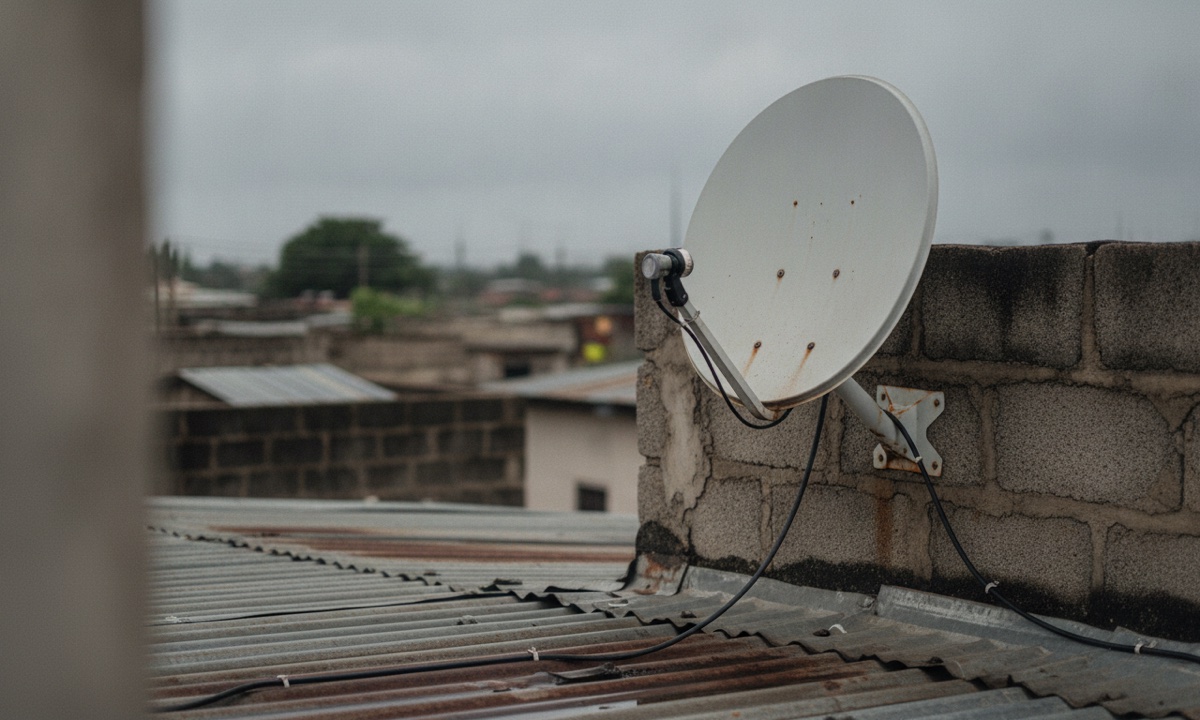
Plain E48, "Searching for Signal", covers more ground: damaged cables, a loose connection, a dish knocked out of line or bad weather can all cause it. Neither code has anything to do with your subscription, so don't pay twice.
- Look outside first. In heavy rain, wait for the signal to come back, and watch on DStv Stream, BoxOffice or Showmax meanwhile.
- If the weather's clear, follow the cable from the dish to the back of the decoder and push each connector in firmly.
- Reset the decoder. Switch it off at the wall plug, wait at least ten seconds, then turn it back on.
- Still no picture? Chat to an agent on the DStv website, or use the contacts at the end.
When the dish itself is the problem
Clear sky, tight cables, and the code's still there. At that point the dish has probably shifted, since strong wind or someone walking on the roof can push it out of line, and a cut or chewed cable gives you the same blank screen.
Both need an installer. Find one on the Find Installer or Dealer page at dstv.com/en-ng/buy/find-installer-or-dealer/, and agree the price before anyone climbs a ladder.
E04 "Please insert smartcard" and other card messages
Usually the card just isn't sitting properly in its slot. Dust or a smudge on the chip can do it too.
First make sure it's the correct, valid smartcard for this decoder. Switch off at the plug, pull the card out and wipe it gently with a soft, dry cloth. Slide it back in with the chip facing down, power up, and let the decoder start. If the message comes back anyway, carry the decoder and card together to your nearest DStv Service Centre or Agency so both can be tested.
You might also see "Smartcard Failure", which is E06, or a request to insert the correct smartcard. Any card message that survives a clean and reseat means contacting DStv with the exact code.
How to stop DStv error codes coming back
E16 is the easiest one to avoid. A few days before your due date, check the balance on *288# or in MyDStv and renew before the date passes. After paying, leave the decoder on so the subscription check has time to finish.
After heavy rain or roof repairs, glance at the dish and cables before you blame your payment.
If you paid through AidaPay and the screen is still scrambled a quarter of an hour later, open that payment in History, where the receipt shows your transaction reference. Then go to Settings, tap Support, and include the reference so the team can trace it quickly.
Still showing the code? Contact DStv Nigeria
Before you reach out, have your smartcard or IUC number and the exact error code in front of you.
On WhatsApp, message +234 908 236 8533. Send "Hi", keep your smartcard number and surname ready, and follow the prompts. USSD works too, but only from the number registered on your account.
Email goes to dstvnigeria@ng.multichoice.com. If you're signed in, you can also tap the chat icon on the DStv website or use the MyDStv app, and @dstvng answers on X. Stick to these channels, and be careful with any "DStv customer care" phone number someone shares on social media.
For other decoder and meter problems, see more step-by-step fixes.
Frequently asked questions
How do I clear E16 on DStv after paying?
Why is only one DStv channel showing E16?
How long does DStv E30 take to clear?
What does E48-32 mean on DStv?
What is the DStv WhatsApp number in Nigeria?
Can I fix a DStv error online or with USSD?
What should I do when DStv says "Please insert smartcard"?
What do the common DStv error codes mean?
Sources
- DStv Nigeria: error codes list
- DStv Nigeria: E16 Service is currently scrambled
- DStv Nigeria: E19 Subscription expired
- DStv Nigeria: E30 Checking the subscription status
- DStv Nigeria: E48-32 Weather
- DStv Nigeria: E48 Searching for Signal
- DStv Nigeria: E04 Please insert smartcard
- DStv Nigeria: Contact us
- DStv Nigeria: Find an installer or dealer
- AidaPay app catalogue (DStv Padi ₦4,400, cashback ₦6.60, as_of 2026-10-27 12:01)
- AidaPay FAQ (support, receipts)
More like this.
 TV subscriptions
New DStv Packages in Nigeria: 5 Tiers, Prices and Compact Plus
The new DStv packages are Starter, Select, Sports, Movies & Series and Premium. Compact Plus goes, prices are expected on 27 Octob...
TV subscriptions
New DStv Packages in Nigeria: 5 Tiers, Prices and Compact Plus
The new DStv packages are Starter, Select, Sports, Movies & Series and Premium. Compact Plus goes, prices are expected on 27 Octob...
 TV subscriptions
How to Watch El Clasico in Nigeria: ₦320 StarTimes, DStv or Phone
Barcelona vs Real Madrid kicks off at 9pm in Nigeria. Your options: a ₦320 StarTimes day pass, your DStv or GOtv bouquet, or strea...
TV subscriptions
How to Watch El Clasico in Nigeria: ₦320 StarTimes, DStv or Phone
Barcelona vs Real Madrid kicks off at 9pm in Nigeria. Your options: a ₦320 StarTimes day pass, your DStv or GOtv bouquet, or strea...
 TV subscriptions
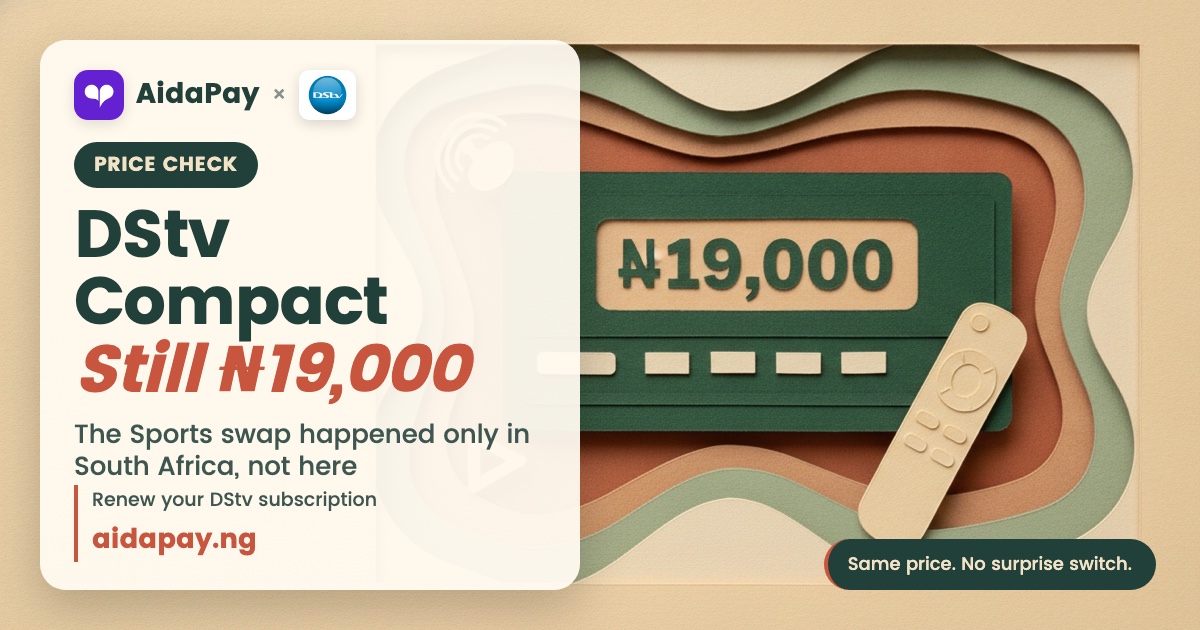
DStv Compact Price Still ₦19,000: The Sports Swap Is SA Only
DStv swapped Compact for a Sports package only in South Africa. In Nigeria, Compact is still ₦19,000 a month. Here's what changes...
TV subscriptions
DStv Compact Price Still ₦19,000: The Sports Swap Is SA Only
DStv swapped Compact for a Sports package only in South Africa. In Nigeria, Compact is still ₦19,000 a month. Here's what changes...