
How to Check Data Balance on MTN: *323#, *323*4# or *461*4#?
You dial *323#, see data left, and nothing loads. Here's which MTN balance code to try for your plan, how to read the reply, and the checklist for data that shows but won't work.
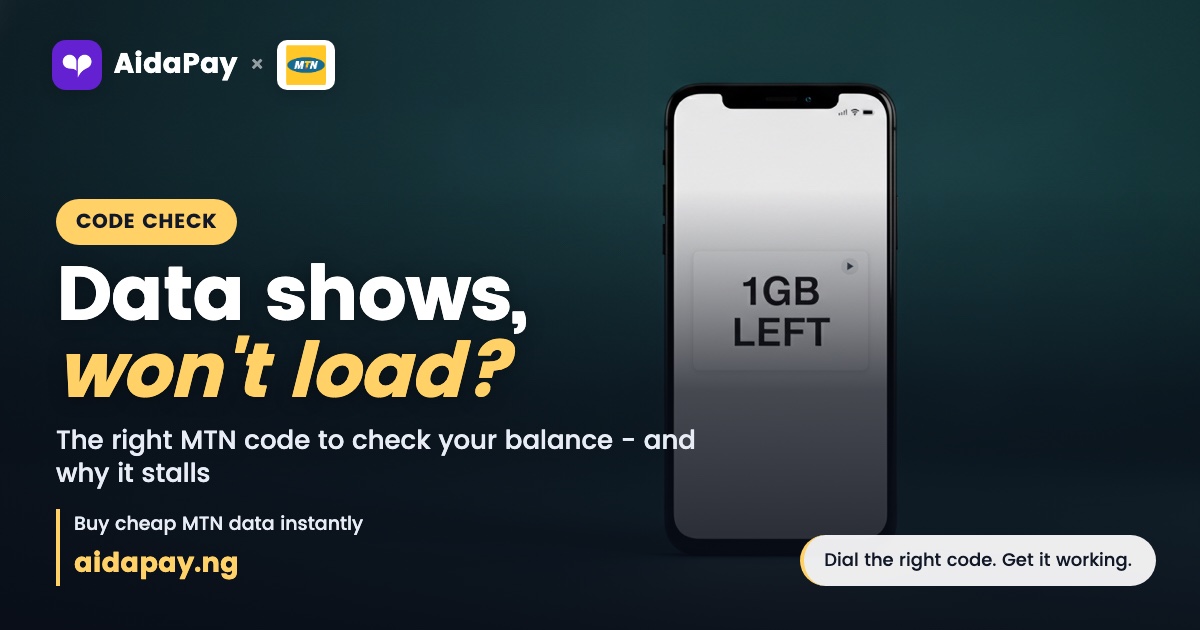
You dial *323#, it says there's data left, and nothing loads. Which code shows your real MTN balance, and why won't the data work?
Dial *323# first. Every Nigerian network shares that data-balance code, and most MTN bundles answer it. Gifted and Data Transfer plans often reply on *323*4# instead, while AidaPay's MTN SME plans reply on *461*4#. When data shows but pages won't open, the balance is rarely the culprit: the data is app-only, the plan has expired, or a phone setting is off.
How to check data balance on MTN: which code fits your plan?
Back in 2023, NCC made *323# the shared "data plan balance" code for every network. Buying plans moved to *312#. Sharing went to *321#, and some MTN bundles still reply on other codes, so the right one depends on how the data reached your line.
*131# is the older MTN menu code. NCC left it out of the harmonised codes, so save it as a fallback for when the codes above show nothing.
- Dial *323# from the line you're checking.
- Read the pop-up or the SMS reply.
- If no bundle shows and you got a gifted or Data Transfer plan, dial *323*4#.
- On an MTN SME plan bought through AidaPay, dial *461*4#.
Sample MTN plans and the balance code to try for each. Prices as at 12 October 2026.
| Plan type | MTN plan | AidaPay price | Code to dial |
|---|---|---|---|
| Data Transfer, 30 days | MTN 1GB Data Transfer - 30 Days | ₦520 (₦5.20 cashback) | *323*4# |
| Data Transfer, 7 days | MTN 2GB Data Transfer - 7 Days | ₦850 (₦8.50 cashback) | *323*4# |
| Daily plan | MTN 1GB + 1.5min - 1 Day (Daily) | ₦492 (₦2.95 cashback) | *323*4# |
| Awuf daily | MTN 2.5GB - Daily AWUF Data | ₦738 (₦3.69 cashback) | *323# (then *323*4#) |
| WhatsApp only | 120MB Whatsapp - 1 Month | ₦147.75 (₦1.03 cashback) | *323*4# |
| MTN SME | Any MTN SME plan on AidaPay | Varies by size | *461*4# |
For a top-up, you can buy MTN data transfer plans on AidaPay for your own line or someone else's, with cashback on each one.
What does the *323# reply actually mean?
An MTN balance reply can list several things at once. Main data comes first, and it opens any website or app. Bonus or app-only data carries a name beside it, such as WhatsApp or YouTube, and only that app can use it.
Each bundle shows its own expiry date and time. Buy more than one plan and you'll see them stacked one under the other, each with a separate deadline, so read every line before you decide what's left. Watch the unit too: 850MB is still less than 1GB.
Here's the trap. You buy the weekly YouTube combo and use up the main gigabyte by Thursday. The reply still shows 1GB left, but that gigabyte belongs to YouTube. Your browser stays blank while YouTube plays fine.
No code needed: the MyMTN app, a MiFi or 4G router
Without dialling anything, the MyMTN NG app covers how to check data balance on MTN. Log in with your number to see data and airtime balances, plus a usage history that tells you where the data went.
A MiFi or 4G router has no keypad. Connect your phone or laptop to its Wi-Fi first, then type 192.168.0.1 into the browser's address bar to open the router's dashboard. Another route is selfservice.mtn.ng, where the balance sits on the home page. When the router lives in the sitting room and you'd rather stay on the couch, add its number to the MyMTN app and check from your phone.
Your mum's balance only shows from her phone or her MyMTN login. No code on your own line reveals another person's data.
Why won't the data work when the balance is there?
Work through these checks in order. Stop as soon as pages load again.
Start with the expiry time in the reply, because a daily plan stops at its deadline even with megabytes still sitting unused. Next, look for an app name beside the balance. Social and WhatsApp bundles won't open a browser.
Phone settings come third. Mobile data should be on and airplane mode off, and on a dual-SIM phone MTN has to be the data SIM. Open the APN settings while you're there: the APN should read web.gprs.mtnnigeria.net, with MTN WEB as the account name. Still stuck? Text SETTINGS to 3888 and save the free settings MTN sends back.
Restart the phone after that. Then call MTN on 300 and ask for a ticket number.
When MTN doesn't sort it out, NCC's free complaints line is 622. Give them that ticket number so they can follow the case up with MTN.
Why is my MTN data finishing so fast?
Dial *323# now. Dial it again an hour later, and leave the phone mostly alone in between. The gap between those two readings is your real usage rate, and a big drop while the phone sat quietly in your bag means some app running in the background is eating your bundle.
Under Settings, then Mobile data, your phone breaks usage down app by app since the start of the cycle. You can set a data warning on the same screen.
Auto-renewal drains data quietly too. A plan you bought once keeps renewing every cycle until you switch it off. To stop it, open the MyMTN app, tap Manage Subscription, pick the bundle and turn auto-renewal off.
Report vanished data to MTN on 300 first, then escalate to NCC on 622 if that fails. Keep the full list of MTN USSD codes saved on your phone. For a family spread across different SIMs, the data balance codes for every network sit together on one page.
Next time a reply surprises you, begin with the expiry time and work down the checks above.
Frequently asked questions
What's the USSD code to check data balance on an MTN line?
Why does *323# show data but my internet is not working?
How do I check MTN data balance on a MiFi or router?
How do I check MTN data balance for another number?
What is the MTN SME data balance code?
Is there a new code to check MTN data balance?
How do I know when my MTN data will expire?
Does *323# work on Airtel and Glo too?
Sources
- AidaPay app catalogue (MTN data, 12 Oct 2026: plan prices, cashback, each plan's balance code and the MTN SME note 'Dial
- NCC consumer portal: 77 harmonised short codes (312 data plans, 323 data balance, 321 share)
- MTN Nigeria: Data (Manage Subscription, auto-renewal, 300)
- MTN Nigeria: Internet settings (APN, SETTINGS to 3888)
- MTN Nigeria: 4G Broadband Router help (192.168.0.1, self-service)
- MTN Nigeria: myMTN NG app
- MTN Nigeria: Manage Data (usage history)
- NCC: procedure for lodging consumer complaints (622)
More like this.
 Data
Data Price Tracker Nigeria: Cheapest per GB on MTN, Airtel, Glo
One page, refreshed at the start of every month: the cheapest data per GB on MTN, Airtel and Glo, TV subscription prices, and how...
Data
Data Price Tracker Nigeria: Cheapest per GB on MTN, Airtel, Glo
One page, refreshed at the start of every month: the cheapest data per GB on MTN, Airtel and Glo, TV subscription prices, and how...
 Data
What Is Corporate Gifting Data? CG vs SME Data, Validity, Price
CG data is a normal bundle that a business account gifts to your line. Here's how it differs from SME data and gifting from your o...
Data
What Is Corporate Gifting Data? CG vs SME Data, Validity, Price
CG data is a normal bundle that a business account gifts to your line. Here's how it differs from SME data and gifting from your o...
 Data
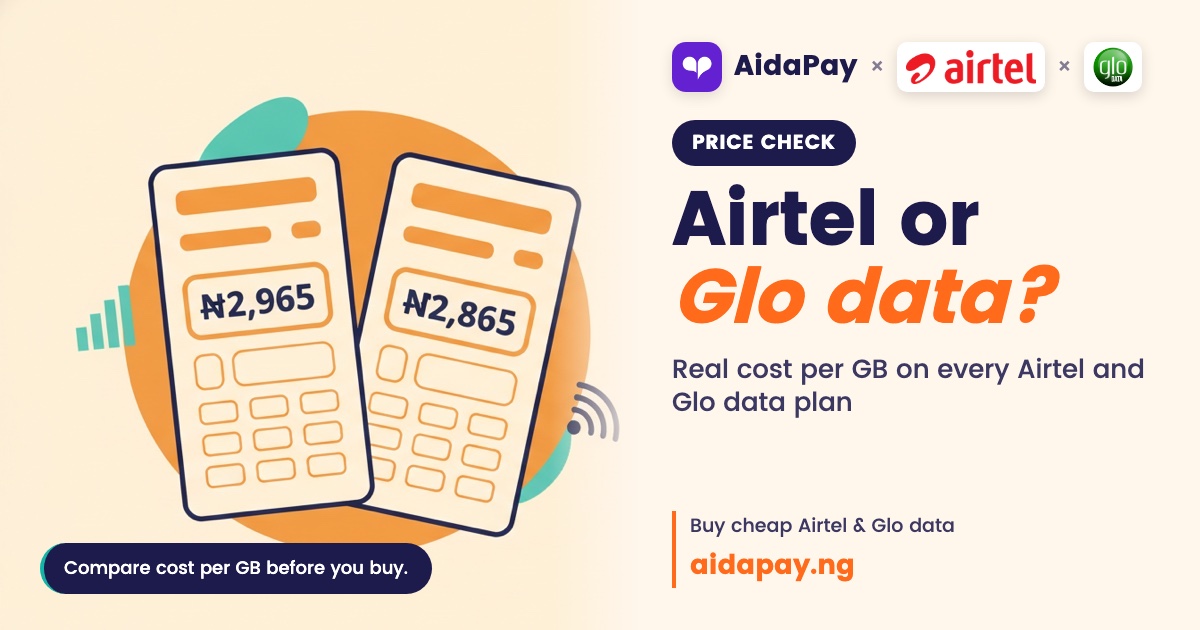
Airtel vs Glo Data: 8GB ₦2,965 vs AWUF 10.5GB ₦2,865, Which Wins?
Glo AWUF works out at about ₦273 per GB against ₦371 on Airtel's best monthly plan, but Airtel adds a YouTube night bonus and bett...
Data
Airtel vs Glo Data: 8GB ₦2,965 vs AWUF 10.5GB ₦2,865, Which Wins?
Glo AWUF works out at about ₦273 per GB against ₦371 on Airtel's best monthly plan, but Airtel adds a YouTube night bonus and bett...