
StarTimes No Signal? The 40/60 Signal Test, Then Antenna or Dish
Your decoder says No Signal. Read Signal Status first, then fix the cable, antenna or dish, and run Automatic Search only once the signal is back.
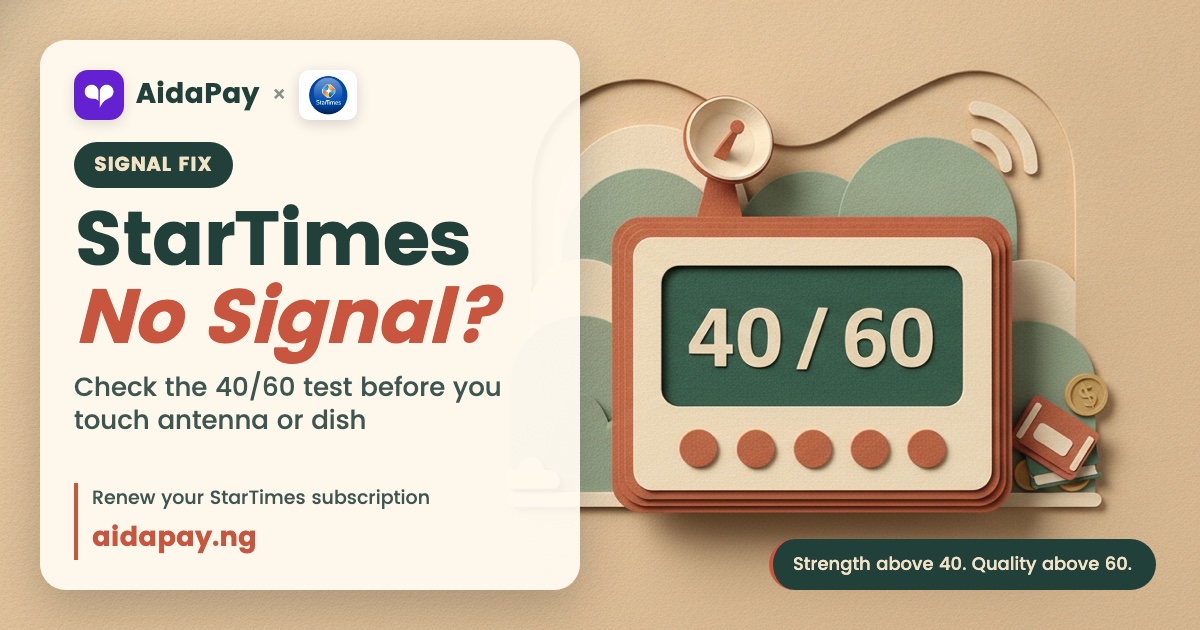
A StarTimes no signal message usually means a loose cable, or an antenna or dish that has moved. Reseat the cable, then adjust the antenna or dish until Signal Status shows Strength above 40 and Quality steady above 60. Only then run Automatic Search.
Your box type changes the fix. If a rooftop or indoor aerial feeds it, you have an antenna (DTT) decoder. If a satellite dish feeds it, you have a dish (DTH) decoder, and the LNB is the small receiver on the arm in front of that dish.
StarTimes no signal: read your signal bar first
Check the readings before you climb anything, because they tell you which part of this guide you need. Press Menu on the remote, open System Settings, then choose Signal Status. Steps as at 27 November 2026.
If you see Strength above 40 and Quality steady above 60, your signal is good. Strength at 0 means nothing reaches the decoder at all, so you start with the cable and only then move on to the antenna or dish.
Some strength with Quality low or jumping tells you the aim is off or something is interfering. Skip to the antenna or dish section.
Sometimes both readings hit the target and the screen still says No Signal. Then the channel list or the decoder is at fault. Run Automatic Search first, and check the hardware section after that.
The cable has worked loose or got damaged
Most StarTimes signal problems start here, on antenna and dish boxes alike. You move the TV stand to sweep behind it, and the coaxial cable (the thick round one) slips half out of its socket.
- Switch the decoder off at the wall.
- Follow the coaxial cable from the back of the decoder to the antenna or LNB, looking for cuts, rust on the connectors or rat bites.
- Push the connector fully in at each end.
- Switch on and check Signal Status again.
Replace a chewed or cut cable. Tape won't hold.
Don't confuse this cable with the AV or HDMI lead that runs to your TV. That lead gives you a blank screen or missing sound when it fails, not a No Signal message from the decoder.
Your antenna has moved or faces the wrong way
Indoor antennas get knocked more often than you'd think. Fix yours firmly in place, near the TV or close to a window, and move it a little at a time, waiting a few seconds after each move while you watch the bars. Stop once both reach the target readings.
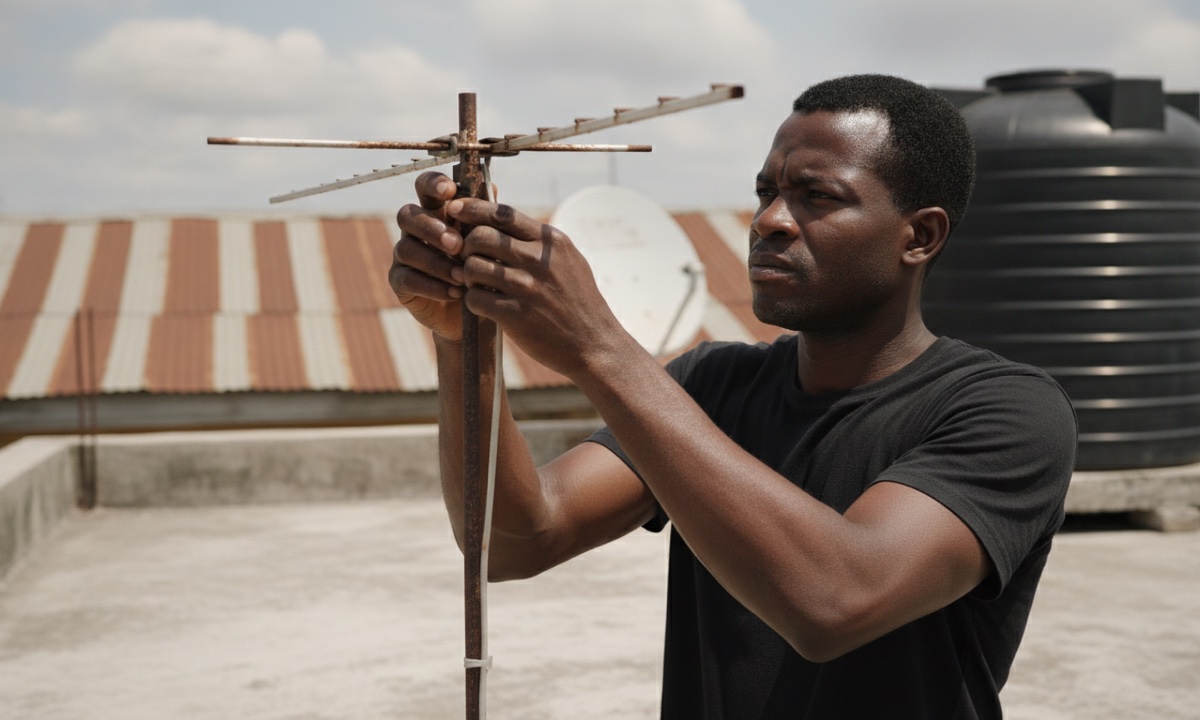
An outdoor antenna on the roof takes two people. One of you turns the aerial slowly toward the nearest StarTimes transmitter. The other reads Signal Status off the screen and calls out every change. If your old outdoor aerial never reaches the targets, StarTimes recommends switching to its own antenna, which is tuned to StarTimes frequencies.
Dish decoder showing no signal: aim, LNB and rain
Your dish has to point at one satellite, Eutelsat 3B, which carries the StarTimes Nigeria dish channels. A small knock throws the aim off. So does strong wind on a loose pole.
Go outside and look. Check that the dish hasn't shifted on its mount and that nothing new blocks its view, such as a tree branch, a water tank or a neighbour's new upstairs floor. Then look over the LNB for cracks or water inside, and follow its cable using the steps above.
If the dish has clearly moved, call an installer, because re-aiming it at the satellite is a job for one. StarTimes handles dish faults through its hotline or a business hall, not through home fixes.
Heavy rain can cut a satellite signal for a while. Wait it out. When the picture comes back after the downpour, nothing is broken and you don't need to touch the dish.
Signal is fine but channels are gone: run Automatic Search
Good readings with no channels means the decoder has lost its channel list. You rebuild it with Automatic Search:
- Press Menu on the remote.
- Scroll to System Settings and press OK.
- Choose Automatic Search.
- Select YES, then press OK.
Missing just a few channels? Nudge the antenna slightly and search again.
Old silver decoder in Lagos: the DVB-T1 switch-off
In Lagos, a StarTimes no signal message on the old silver decoder won't clear, whatever you adjust. That box is a DVB-T1 decoder. StarTimes switched off the DVB-T1 signal in Lagos on 1 May 2023, and since then the box receives nothing at all.
You need a DVB-T2 decoder. Before you buy one, take the old decoder and its remote to a StarTimes business hall and ask whether they can swap it for you.
Decoder shows 8888 or two red lights: a hardware fault
You're looking at a hardware fault. StarTimes treats it as a faulty decoder, and nothing you try at home will clear it. Take the box to the nearest StarTimes business hall, or call the hotline so StarTimes can assign an agent to you.
How to stop it happening again
Tighten the outdoor antenna or dish mount. Then clip the cable along the wall so wind and children playing near the TV can't tug it loose, and keep it clear of door hinges and anywhere rats run. When the picture looks good, write down your strength and quality readings. Next time the screen goes blank, you'll have numbers to compare against.
Plug the decoder into a surge protector too, since NEPA rarely brings light back gently.
When nothing works: contact StarTimes Nigeria
Still stuck? Take the decoder to the nearest StarTimes business hall or call the StarTimes hotline. You'll find the current Nigerian hotline number inside the StarTimes ON app. Don't dial 0719077077 from Nigeria; that's a Kenyan line. The same app lets you check your balance and expiry date, recharge and change bouquet.
If your box asks you to renew instead of showing No Signal, your subscription has run out, and your signal is fine. You can renew your StarTimes subscription on AidaPay, where Nova (Antenna) costs ₦2,100 for a month (₦5.25 cashback), prices as at 27 November 2026. There are more fix-it guides for other TV and data problems.
Frequently asked questions
Why does my StarTimes say no signal when it's raining?
What should StarTimes signal strength and quality be?
Why is StarTimes not working when the signal is fine?
What does 8888 on my StarTimes decoder mean?
Will my old StarTimes decoder still work in Lagos?
Why is my StarTimes showing no signal?
Which way should my StarTimes antenna face?
Which satellite does a StarTimes dish point at?
More like this.
 TV subscriptions
GOtv Subscription Price: Old Packages vs ₦4,000–₦21,000 Tiers
GOtv now runs from Easy at ₦4,000 to Sports at ₦21,000 a month. See what Jolli, Max, Supa+ and DStv Compact homes pay at renewal,...
 TV subscriptions
GOtv vs StarTimes: Easy ₦4,000 or Nova ₦2,100 a Month, Which Is Better?
StarTimes Nova costs ₦2,100 a month or ₦150 a day. GOtv Easy starts at ₦4,000. Here's every tier side by side, plus which one to p...
 TV subscriptions
New GOtv Packages: Prices From ₦4,000 and Where Jolli Went
GOtv now sells four packages, from Easy at ₦4,000 to Sports at ₦21,000. Here's which one shows the Premier League, what happens to...