
How to Share Data on MTN: *312# Code, 5GB Cap, Why It Fails
Dial *312*number*MB# to gift MTN data, no PIN needed. Here are the 5GB daily cap, the 100MB you must keep, why shares fail and when buying a bundle beats sharing.
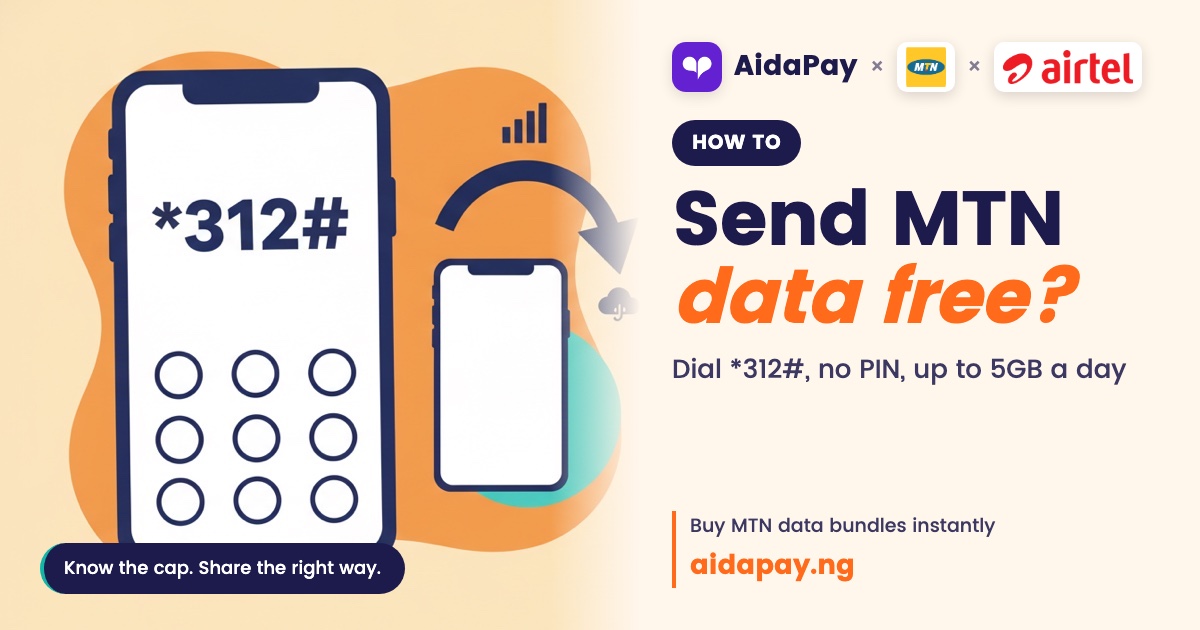
Your sibling's data has run out. Yours hasn't. How do you send them a bit, how much are you allowed to send, and why does it sometimes just fail?
Most people asking how to share data on MTN want one code, and it's this: dial *312*their number*amount in MB#, then confirm. No PIN is involved. Two catches, though. Your sibling has to be on MTN as well, and MTN won't let you give away every last megabyte you own.
How to share data on MTN with the *312# USSD code
It's one USSD code, and the last figure is in megabytes:
*312*0803XXXXXXX*500# sends 500MB.
A prompt asks you to confirm. Once you do, the data comes straight out of the bundle you've already paid for, and the airtime sitting on your line stays exactly where it is.
Gigabytes are where people get stuck. You can send gigabyte sizes, but it isn't clear whether a gigabyte goes into the code as 1000 or 1024. Skip the guessing. For bigger sizes, use the menu.
The menu route
- Dial *321*2#.
- Choose 1 to transfer.
- Enter your sibling's number.
- Pick a size and confirm.
You can also dial *312*8# to reach the same gifting menu, which is worth knowing on the days one code keeps throwing a connection error at you.
Plain *321# is airtime sharing, and that menu asks for a four-digit PIN. Data gifting asks for none. You enter the number, choose the amount and that's it, so there's no "data share PIN" to set up, even the first time you share.
USSD keeps timing out? Share data through SMS or the myMTN app
Two, actually. Send a text to 312 that reads Transfer 0803XXXXXXX 500, leaving a space between each part and writing the amount in megabytes, just as you would in the code. Use 312 and no other shortcode.
Or open the myMTN app, which is handy when your network is shaky but your Wi-Fi isn't. Tap Share, then Data Share, type in the number and choose how much to send.
How much can you give away in a day?
These are the data gifting limits as at 10 October 2026:
| Rule | Limit |
|---|---|
| Sizes you can send | 100MB, 200MB, 500MB, 1GB, 2GB, 3GB or 5GB |
| Most you can send in a day | 5GB |
| What must stay on your line | At least 100MB after each transfer |
| PIN | None needed |
| Who can receive | MTN numbers only |
That minimum-balance rule catches people out. You've got 1GB left. Your sibling wants all of it. MTN refuses. Sending the whole gigabyte would leave nothing on your line, and something has to stay behind, so pick a smaller size and you both stay online.
Want to know how long the gifted data will last? Once it lands, your sibling can dial *323*4# to see the balance along with its expiry date.
It failed anyway. What went wrong?
Check these before dialling again:
- Their number really is MTN. Gifting can't leave the network, and a number that started on MTN may have been ported to another network since.
- You'll still have the minimum left after sending.
- Today's cap is used up. Wait until tomorrow.
- The amount is one of the allowed sizes. 300MB won't work.
If it still fails, look at what kind of data you're holding, because not everything sitting in your balance came from a plan you bought with your own money. If yours came as bonus data, was gifted to you or was borrowed through XtraByte, call MTN on 300 and ask whether it can be passed on. And now and then the network is simply down. Nothing goes through until service returns, however many times you redial, so wait a while before you start blaming the code or your sibling's phone.
Would it be smarter to just buy them a bundle?
Often, yes. Gifting costs nothing extra, but every megabyte you send comes out of a month you've already paid for, and the daily cap holds however loudly your sibling complains. Buy a bundle straight to their number and your own plan doesn't move.
MTN Data Transfer bundles for another number on AidaPay, cashback included. Prices as at 10 October 2026:
| Bundle | Price and cashback |
|---|---|
| AidaPay: MTN 500MB Data Transfer, 7 days | ₦350 (₦3.50 cashback) |
| AidaPay: MTN 1GB Data Transfer, 7 days | ₦400 (₦4 cashback) |
| AidaPay: MTN 1GB Data Transfer, 30 days | ₦520 (₦5.20 cashback) |
| AidaPay: MTN 2GB Data Transfer, 30 days (₦475 per GB) | ₦950 (₦9.50 cashback) |
| AidaPay: MTN 3GB Data Transfer, 30 days (₦400 per GB) | ₦1,200 (₦12 cashback) |
You can buy MTN Data Transfer bundles for another number or top up your own line the same way.
Here's the rough rule. If your sibling needs data for the whole month, the biggest monthly bundle works out cheapest per gigabyte and leaves your plan alone. But if all they need is enough for one evening of WhatsApp voice notes, gifting from your own balance is quicker and costs you nothing.
And if it's five people, or someone on Airtel?
MTN gifting can't cross networks. If your cousin is on Airtel or Glo, the *312# code won't reach them.
Smart Share works differently. You create one link with a six-character redeem code and drop it in the family group, and a share starts from ₦1,000. Each person opens it and types their own number, and Smart Share detects the network on its own, so nobody has to tell you which SIM they're using. It covers MTN, Airtel and Glo data. Money leaves your wallet only when someone actually claims, and if you switch the share off, whatever nobody took goes back to you. Changing the claim rules later costs ₦100 each time.
For a group chat, it's simpler to send data to several people with one Smart Share link.
Before any of this, dial *323*4# and see what you've got, because sending blind is how you end up asking your sibling to gift some back. Then keep the full list of MTN USSD codes somewhere handy. Someone at home will run dry again next week.
Frequently asked questions
Do I need a PIN to share MTN data for the first time?
How much data can I share on MTN per day?
Can I share MTN data to an Airtel or Glo number?
Can I ask someone on MTN to send me data?
Is it possible to share bonus data on MTN?
Can I buy a bundle for a friend instead of gifting my own data?
Can I share MTN data by text message?
Which code do I dial to share data on MTN?
Sources
- MTN Nigeria: Data Gifting (*312*number*amount# code, *321*2# and *312*8# menus, data requests, buy-for-a-friend code, SM
- AidaPay: MTN USSD codes guide (*321*2# menu steps, *321# airtime share PIN, *323*4# balance with expiry)
- AidaPay Smart Share (6-character code, from ₦1,000, MTN/Airtel/Glo data, debit per claim, unclaimed released, ₦100 rule
- AidaPay app catalogue (MTN Data Transfer prices and cashback, as_of 2026-10-10 03:23)
More like this.
 Data
Airtel vs Glo Data: 8GB ₦2,965 vs AWUF 10.5GB ₦2,865, Which Wins?
Glo AWUF works out at about ₦273 per GB against ₦371 on Airtel's best monthly plan, but Airtel adds a YouTube night bonus and bett...
Data
Airtel vs Glo Data: 8GB ₦2,965 vs AWUF 10.5GB ₦2,865, Which Wins?
Glo AWUF works out at about ₦273 per GB against ₦371 on Airtel's best monthly plan, but Airtel adds a YouTube night bonus and bett...
 Data
Night Data Plan Code for Glo, Airtel, MTN: ₦120 750MB vs Weekly
Night bundles cost the least per GB, but the data dies at 5am. Compare the per-GB price of Glo, Airtel and MTN options and find ou...
Data
Night Data Plan Code for Glo, Airtel, MTN: ₦120 750MB vs Weekly
Night bundles cost the least per GB, but the data dies at 5am. Compare the per-GB price of Glo, Airtel and MTN options and find ou...
 Data
How to Buy Data on Airtel: *312# and Why 8GB Beats ₦790 Weekly
Four weekly 1GB Airtel bundles cost ₦690 more than one 4GB monthly plan. See the worked prices, the *312# steps, buying for anothe...
Data
How to Buy Data on Airtel: *312# and Why 8GB Beats ₦790 Weekly
Four weekly 1GB Airtel bundles cost ₦690 more than one 4GB monthly plan. See the worked prices, the *312# steps, buying for anothe...