
Code to Check MTN Number: *663#, *123*1*1# or Phone Settings
Dial *663# and your MTN number shows up. If it doesn't, the fix depends on where your SIM sits: a dual-SIM phone, an eSIM, a MiFi or router, or a line barred over NIN.
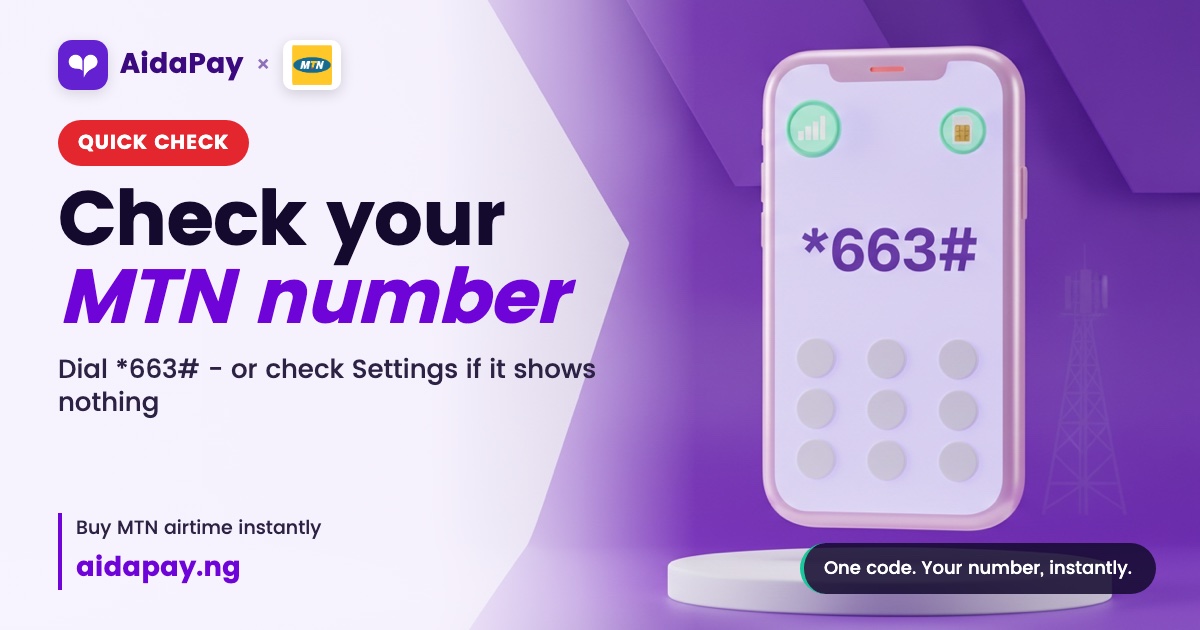
Dial *663# from the MTN SIM and your 11-digit number pops up on the screen. That's the USSD code to check MTN number in Nigeria on any phone that can dial. If nothing comes back, try *123*1*1#, which opens My Number inside MTN's *123# menu so you skip all the tapping.
Try both before you walk to the kiosk for a recharge card, even if the phone shows ₦0 and the sun outside is not playing with anybody today. Both codes share one limit. They read only the SIM you dial from, so no code will ever name the owner of the strange number that keeps flashing on your screen at midnight. Where your SIM sits decides the rest.
Three kinds of MTN users, three different fixes
Most people fit one of these. Find yours and skip the rest unless your first try fails, since each setup has its own quickest route and the codes above only suit the first.
Phone in hand, SIM inside, ₦0 balance
Start with *663#. Use the longer code if it stalls.
Dual-SIM phones trip people up here. When the dialler asks which line to use, pick the MTN slot, because a code sent from the other line brings back the other network's reply or an error. Phones that remember a default SIM for calls are the worst offenders. They fire the code down that line without asking, and you only find out when the wrong reply lands on your screen.
If both codes fail, MTN's Call Me Back service on *133# is free to send. Your friend gets a request to call you, and when they ring back, your number sits right there on their screen for them to read out.
Find your MTN number in phone settings (iPhone, Android, eSIM)
Your phone probably knows the number already. On a recent iPhone, open Settings, tap Apps, then Phone, and you'll see My Number sitting at the top of the screen. On iOS 17 or older, skip Apps and go straight from Settings to Phone. It works the same with one SIM, two SIMs or an eSIM.
Android is messier. Samsung, Tecno, Infinix and the other brands all word their menus a bit differently, but most phones keep the number under Settings, then About phone, then SIM status. If it isn't there, type "phone number" into the search bar at the top of Settings and let the phone do the hunting for you.
MyMTN, the other no-dial route, shows the number on your profile page. Login is the snag. A first sign-in asks for the very number you're trying to find, which means the app only helps on a phone where you've signed in before.
SIM inside a MiFi, router or tablet
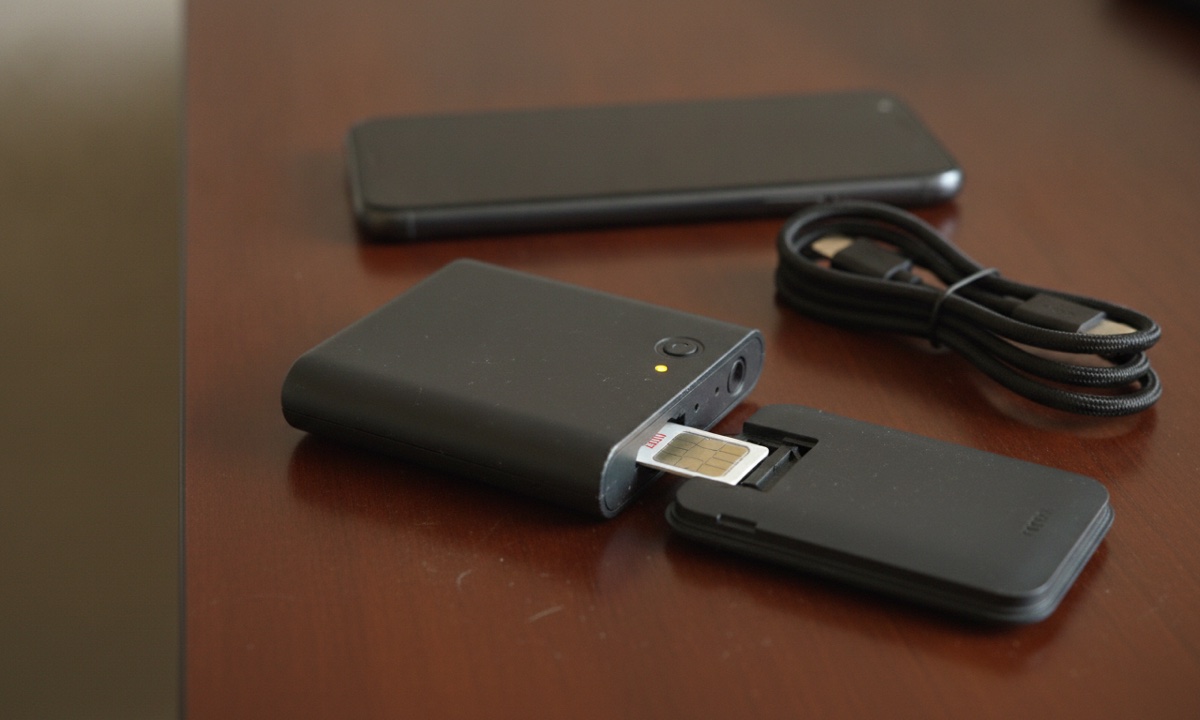
Most of these devices can't dial USSD at all. Turn yours over and read the label. It carries the address and login for the admin page, which you open in a browser on any phone or laptop that's joined to its Wi-Fi. Plenty of those dashboards only show whether the SIM is connected, not the number itself.
Moving the SIM is quicker. There's no login to remember, and it takes about a minute as long as the line isn't barred:
- Switch off the MiFi and take out the SIM.
- Put the SIM in any phone and dial *663#.
- Write the number down.
- Put the SIM back in the MiFi.
Then copy it onto a strip of masking tape and stick it under the router, where next month's you will find it without dialling anything.
Side by side: *663#, Settings, MyMTN or 300
Calling a friend is the one method that surely costs airtime. MyMTN needs a little data. The codes cost you nothing to try at ₦0, so start there and only work down the table if they fail.
| Method | Needs airtime or data? | Dual-SIM or eSIM? | SIM in a router or MiFi? | What you get |
|---|---|---|---|---|
| *663# | Try it at ₦0 first | Yes, from the MTN slot | Move the SIM to a phone first | Your number on screen |
| *123*1*1# | Try it at ₦0 first | Yes, from the MTN slot | Move the SIM to a phone first | "My Number" in the *123# menu |
| Phone Settings | No | Yes, each SIM shows | No | Number under SIM status or My Number (blank on some SIMs) |
| MyMTN app | Data to open it | Yes | No | Profile page, if you've logged in before |
| Call or text a friend | Yes | Yes | Move the SIM to a phone first | Your number on their screen |
| MTN customer care, 300 | Keep a little airtime to be safe | Yes | No | An agent tells you |
MTN customer care is on 300. The WhatsApp line is 09033000001 (as at 10 October 2026), so save both in your contacts. If an old note in your phone still says 180, replace it with 300.
Why a code to check MTN number sometimes shows nothing
Everything above hangs on one thing: whether this SIM can send USSD at all. If it can't, stop redialling and use your phone's settings instead, or move the SIM into another phone and try again there. Two things block it. One is a data-only device, like the routers above. The other is a barred line, and a missing NIN link is one reason that happens. SIMs not linked to a NIN risk being cut off from the network.
Two codes help with NIN trouble. Dial *346# and press 1 to get your NIN back from NIMC. To link it to the SIM, dial *996#, or *996*NIN# with your own NIN typed in place of the letters. Don't expect *996# to list every MTN number linked to your NIN, because it's only the linking code. The NIMC MobileID app is where you see and manage those lines.
Then there's the "Connection problem or invalid MMI code" message. Before you redial, check that you used the MTN slot. Glance at your signal bars too, because a code won't go through with no signal, and a weak indoor signal can drop it halfway through the menu. Make sure the network mode isn't set to data only. Wait a minute, then dial again.
Once the number shows, save it in Contacts under your own name. You'll need it the next time a bank form asks for it, or when someone wants to top up that number with airtime from another phone. On AidaPay, ₦1,000 of MTN airtime comes with ₦18 cashback (prices as at 10 October 2026). Keep these other MTN USSD codes worth saving in the same note.
Frequently asked questions
What is the code to check my MTN number?
How do I check my MTN number without airtime?
Why does *663# give me my Airtel or Glo number instead?
How do I see the number of the SIM in my MiFi?
How can I know my MTN number on iPhone?
How do I check the MTN numbers linked to my NIN?
Which number reaches MTN customer care now?
Is there a code to check who owns an MTN number?
More like this.
 Phones & internet
What Is USSD? How *323# Codes Work and the ₦6.98 Bank Fee
USSD is the *xyz# menu that works on any phone without data. See how a session works, why bank sessions take ₦6.98 from your airti...
Phones & internet
What Is USSD? How *323# Codes Work and the ₦6.98 Bank Fee
USSD is the *xyz# menu that works on any phone without data. See how a session works, why bank sessions take ₦6.98 from your airti...
 Phones & internet
USSD Code Not Working? Fix 'Invalid MMI Code' on *312# and *323#
"Connection problem or invalid MMI code" usually means the wrong SIM or an old code. Here's how to spot your cause, from signal to...
Phones & internet
USSD Code Not Working? Fix 'Invalid MMI Code' on *312# and *323#
"Connection problem or invalid MMI code" usually means the wrong SIM or an old code. Here's how to spot your cause, from signal to...