
Code for Loading Airtel Card: *311*PIN# Replaced *126*PIN#
Old *126*PIN# guides are out of date. Airtel cards now load with *311*PIN#, the NCC's shared recharge code. This guide also covers what to do when a 16-digit PIN fails.
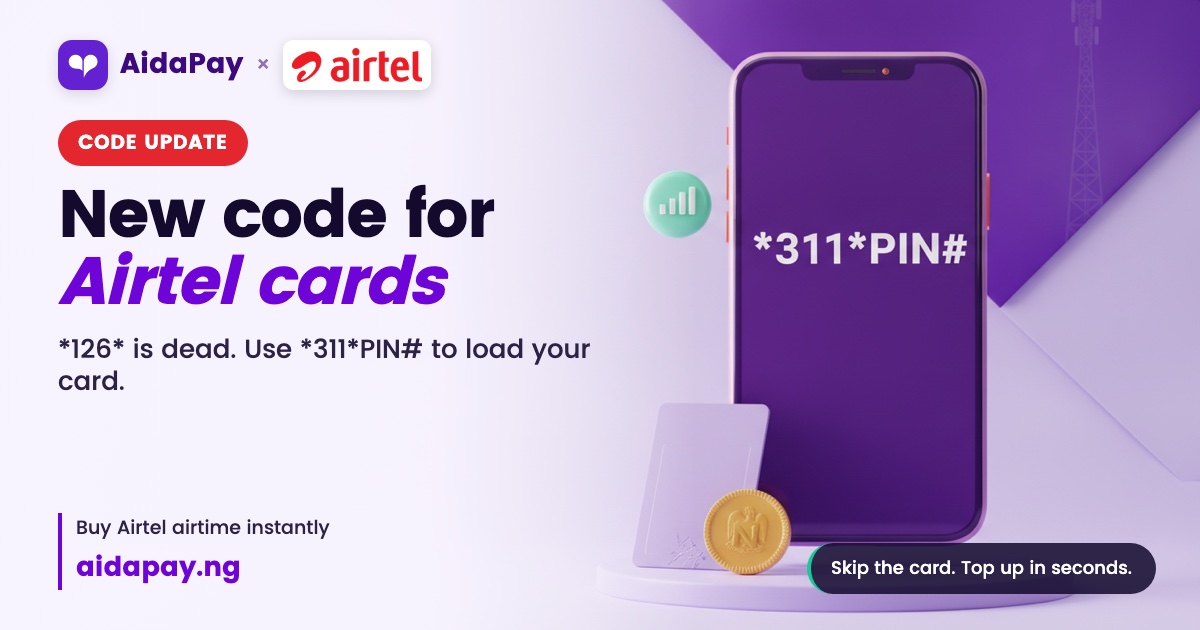
If *126*PIN# keeps failing on your Airtel line, switch to *311*PIN#. The Nigerian Communications Commission (NCC) gave every network until 17 May 2023 to move to one shared set of short codes. Since then, *311# has been the code for loading Airtel card PINs, and MTN, Glo and T2 use it too.
Any guide still giving *126* is out of date.
The code for loading Airtel card changed in May 2023
Card in one hand, phone in the other. Then:
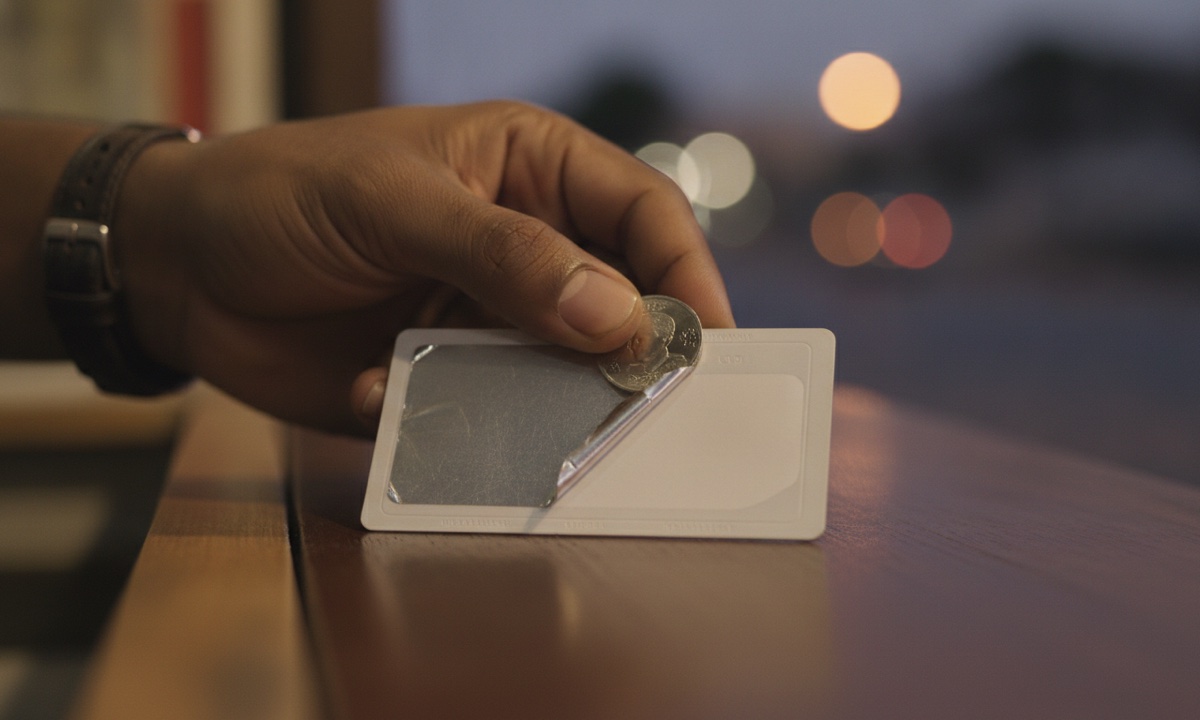
- Scratch the silver panel gently with a coin, or pick up the printed e-PIN slip.
- Count the digits. There should be 16.
- Open the dialler on the Airtel line you're topping up.
- Type *311*, then the PIN with no spaces, then #. Like this: *311*1234567890123456#
- Press call and wait for the confirmation message.
- Dial *310# to see your new balance.
Type the PIN four digits at a time, glancing back at the card after each block. Slow? A bit. But one slow, careful dial still beats two quick wrong ones, especially at night when the kiosk that sold you the card has shut and there's nobody left to ask.
Airtel cards used to load with *126*PIN#
For years, *126*PIN# was simply how Airtel users topped up. Then the switch came. Old and new codes ran side by side during the move, and the old ones were meant to stop once each network had finished changing over. Airtel was slowest on recharge. A day after the deadline, every new Airtel code worked except *311#, so *126* hung on longer there than anywhere else, and that lag is why both codes still float around online today.
Does *126* still go through on your line? Treat it as a leftover. Leftovers get switched off without warning.
Your other Airtel codes moved too. Because these are the NCC's shared codes, anyone carrying a second SIM on MTN or Glo can dial the very same numbers there.
| What you want to do | Code on Airtel now |
|---|---|
| Load a recharge card | *311*PIN# |
| Check airtime balance | *310# |
| Buy data | *312# |
| Check data balance | *323# |
| Share airtime or data | *321# |
| Borrow airtime or data | *303# |
| Stop a subscription | *305# |
MiFi SIMs and other people's lines need an extra step
Any Airtel SIM can take a card, including the one inside your MiFi or home router. Routers can't dial, though. Pop the SIM into a phone, load the card there, and put it back once the airtime lands. Check the balance with *310# while the SIM is still in the phone, so you know the load worked before the router goes back on the shelf and starts eating data again.
Loading for someone else is trickier. *311*PIN# only tops up the line you dial from, so send the PIN to the other person and let them dial it on their own phone. Your sister stuck at a bus stop with zero airtime doesn't need the card itself, just the digits on WhatsApp. Another option is moving airtime from your own line with Airtel's share service on *321#, and the full list of Airtel USSD codes covers those transfer steps.
Bank and app top-ups skip the card entirely
None of this touches bank apps, your bank's USSD menu or bill-payment apps. Nothing to scratch. Nothing to mistype. On AidaPay, one Airtel top-up can be anything from ₦50 to ₦10,000. Every purchase earns 0.9% cashback. Topping up another person's line this way needs nothing more than their Airtel number, typed once and checked once before you pay.
| Airtel airtime | You pay | Cashback back to you |
|---|---|---|
| Airtel ₦500 top-up | ₦500 | ₦4.50 |
| Airtel ₦1,000 top-up | ₦1,000 | ₦9 |
| Airtel ₦5,000 top-up | ₦5,000 | ₦45 |
| Airtel ₦10,000 top-up (the maximum) | ₦10,000 | ₦90 |
A card that won't load usually tells you why
Read the reply on your screen before you redial, because the exact wording of that message tells you whether the fault sits with the card, with your phone or with the network signal. "Invalid PIN" almost always means a typo, so go through the digits again in blocks of four and try once more. "PIN already used" is different. Your phone is fine. The card is the problem, so keep it with the receipt and take both back to the seller who sold it to you. "Connection problem or invalid MMI code" points to signal or typing rather than the card, which means restarting the phone, waiting a few minutes and dialling again with no spaces anywhere usually sorts it out.
Same error twice? Don't keep redialling.
Airtel customer care, on the number listed at airtel.com.ng, can check whether the PIN was ever valid, and so can the seller with the card and receipt in hand.
Next time, save *311* as a contact so the prefix is ready to go. Or drop scratch cards altogether and buy Airtel airtime online from ₦50, for your own line or anyone else's.
Frequently asked questions
Does *126* still work for Airtel recharge?
Do I use the same code for a printed Airtel e-PIN?
Is *311# the recharge code on every network?
How do I load an Airtel card on a MiFi or router?
Sources
- Radio Nigeria Lagos: telcos begin implementation of harmonised shortcodes (6 Mar 2023)
- Financial Edge: NCC directs telcos to implement harmonised short codes
- Brand Spur: telcos phase out old USSD codes (31 May 2023)
- NaijaKnowHow: airtime recharge card USSD codes (old Airtel *126*PIN#)
- AidaPay app catalogue (Airtel airtime, read 25 Oct 2026 11:21)
More like this.
 Airtime
 not received after debit: 4 causes and how to fix each
Debited but no airtime? Find out if it's pending, a wrong digit, the wrong network or an old loan eating your top-up, and who to c...
Airtime
Airtime not received after debit: 4 causes and how to fix each
Debited but no airtime? Find out if it's pending, a wrong digit, the wrong network or an old loan eating your top-up, and who to c...
 Airtime
NCC Compensation for Poor Network: ₦19-₦1,436, Were You Paid?
75 million lines got airtime for bad network this year, most of it in small sums. Here's how to check your SMS and balance, and wh...
Airtime
NCC Compensation for Poor Network: ₦19-₦1,436, Were You Paid?
75 million lines got airtime for bad network this year, most of it in small sums. Here's how to check your SMS and balance, and wh...
 Airtime
How to Remove Caller Tune on MTN: STOP to 309, Not CANCEL to 4100
Sent Cancel and MTN still took your ₦100? One text, STOP to 309, ends every CallerTunez bundle and single tune. Here's why the old...
Airtime
How to Remove Caller Tune on MTN: STOP to 309, Not CANCEL to 4100
Sent Cancel and MTN still took your ₦100? One text, STOP to 309, ends every CallerTunez bundle and single tune. Here's why the old...